Drlogy
Healthcare organization
How Lab Management Feature Optimizes Practice Management Software
Laboratory services are an integral part of accurate diagnosis and treatment.
Check:
Best Practice Management Software For General Practice (GP) Clinics & Hospitals
Integrating Lab Management into Practice Management Software streamlines test orders, results, and reports while improving efficiency, accuracy, and patient satisfaction.
10 Ways Lab Management Supports Practice Management Software
Here are 10 Ways Lab Management Supports Practice Management Software.
1. Simplifies Test Ordering
- Doctors can request lab testsectly from the software.
- Eliminates manual requisition slips.
- Reduces errors in test selection.
- Ensures faster processing of patient samples.
- Keeps records linked to patient profiles.
Summary:ect test ordering saves time and avoids miscommunication.
2. Centralizes Lab Reports
- Stores all diagnostic reports in a single patient record.
- Makes reports easily accessible during consultations.
- Eliminates paper files or misplaced records.
- Improves clinical decision-making speed.
- Enhances continuity of care for chronic patients.
Summary: Centralized lab data keeps every patient’s record complete and organized.
3. Automates Sample Tracking
- Tracks every sample from collection to reporting.
- Reduces risk of misplaced or mixed-up samples.
- Ensures timely processing for critical tests.
- Improves accountability within the clinic.
- Enhances patient trust through transparent processes.
Summary: Automated tracking ensures lab work is reliable and error-free.
4. Speeds Up Report Generation
- Lab results are automatically updated in the system.
- Reduces manual entry delays.
- Delivers faster diagnoses to patients.
- Allows same-day or even real-time report availability.
- Improves the overall workflow of the clinic.
Summary: Quick reporting accelerates patient care and decision-making.
5. Enables Digital Report Sharing
- Sends reports to patients via email, SMS, or WhatsApp.
- Allows doctors to view results remotely.
- Reduces dependency on printed reports.
- Makes sharing results with specialists easy.
- Improves patient convenience and communication.
Summary: Digital sharing saves time and enhances patient experience.
6. Integrates With Billing
- Automatically links test charges to patient invoices.
- Reduces billing errors from manual data entry.
- Ensures transparency with itemized lab costs.
- Simplifies payment collection.
- Improves revenue tracking from lab services.
Summary: Billing integration keeps finances accurate and clear.
7. Provides Real-Time Lab Status
- Doctors and staff can see pending, ongoing, and completed tests.
- Helps prioritize urgent or critical cases.
- Keeps patients informed about report availability.
- Reduces follow-up calls to the lab.
- Improves clinic efficiency during busy hours.
Summary: Real-time visibility keeps everyone updated and reduces confusion.
8. Supports Quality Control
- Tracks lab performance and turnaround time.
- Ensures compliance with medical standards.
- Reduces the chances of reporting errors.
- Enhances credibility of lab services.
- Improves patient trust and referrals.
Summary: Built-in monitoring maintains high standards for lab results.
9. Generates Analytical Reports
- Provides insights into frequently ordered tests.
- Helps track lab revenue and patient trends.
- Identifies opportunities for service improvement.
- Guides resource allocation for lab equipment and staff.
- Supports decisions for clinic growth.
Summary: Lab analytics turn routine data into actionable business insights.
10. Enhances Overall Patient Care
- Ensures accurate, timely test results for better treatment.
- Reduces repeat visits due to missing reports.
- Improves coordination between doctors and lab staff.
- Increases patient satisfaction with smooth service.
- Strengthens clinic reputation for quality care.
Summary: Integrated lab managementectly improves treatment outcomes and patient trust.
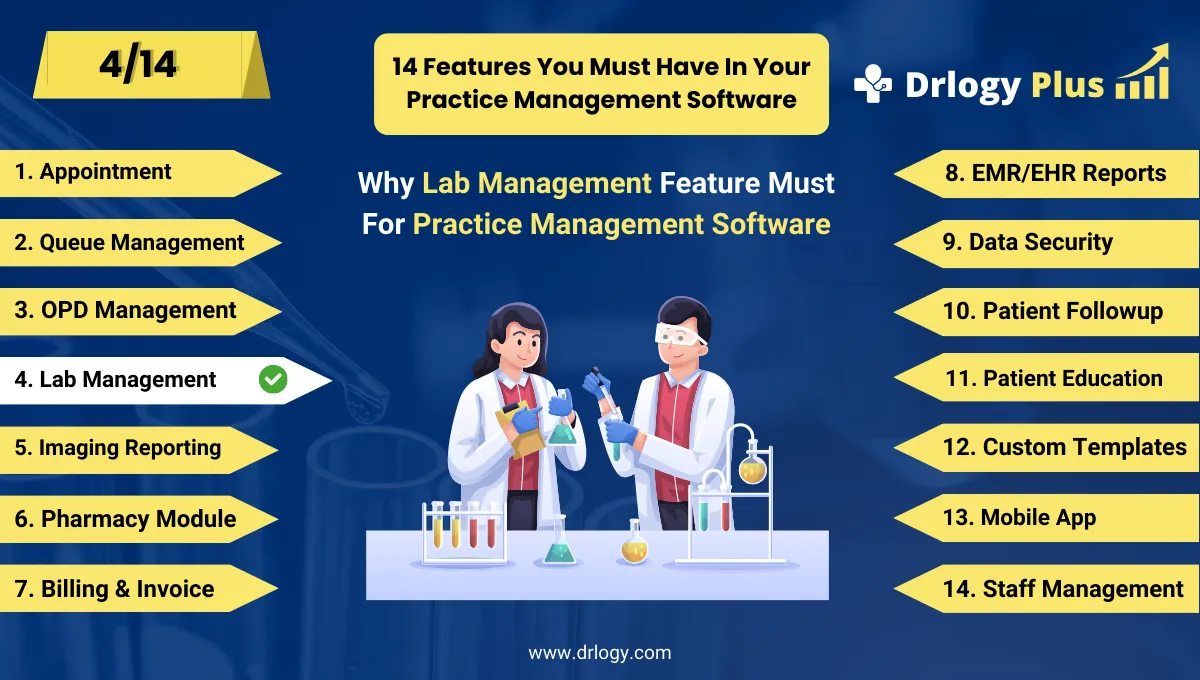
Drlogy Practice Management Software Features
Here are 14 basic features for Drlogy Practice Management Software.
Summary
Overall, Lab Management in Practice Management Software is more than just organizing test data — it streamlines test workflows, integrates billing, speeds up reporting, improves patient experience, and provides actionable insights for better clinic performance.
Check Drlogy Practice Management Software Features Guide helps to support for General Practice (GP) clinics & hospitals to manage patient care with precision, from consultation to follow-up.