Drlogy
Healthcare organization
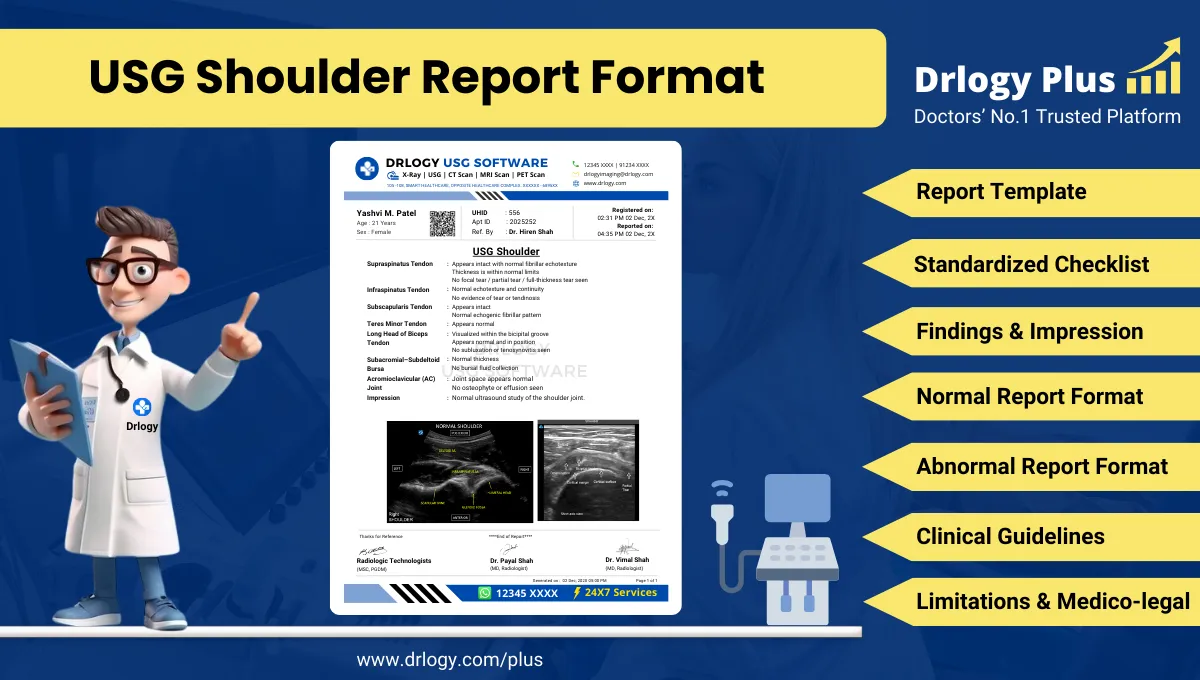
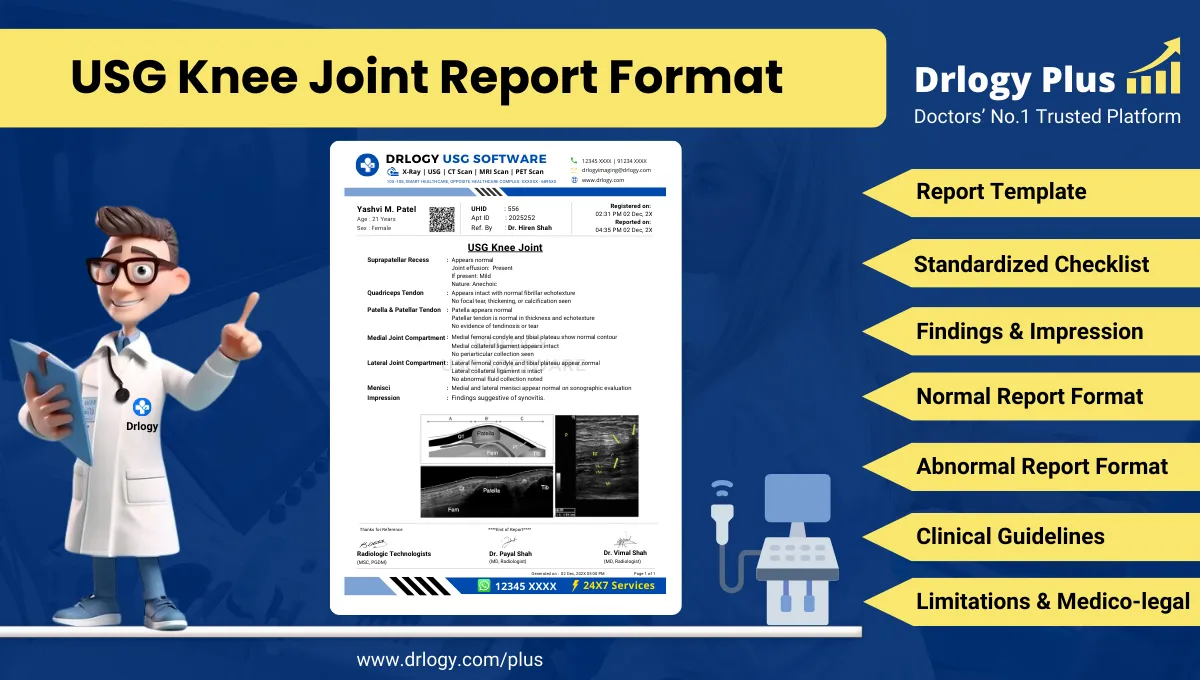
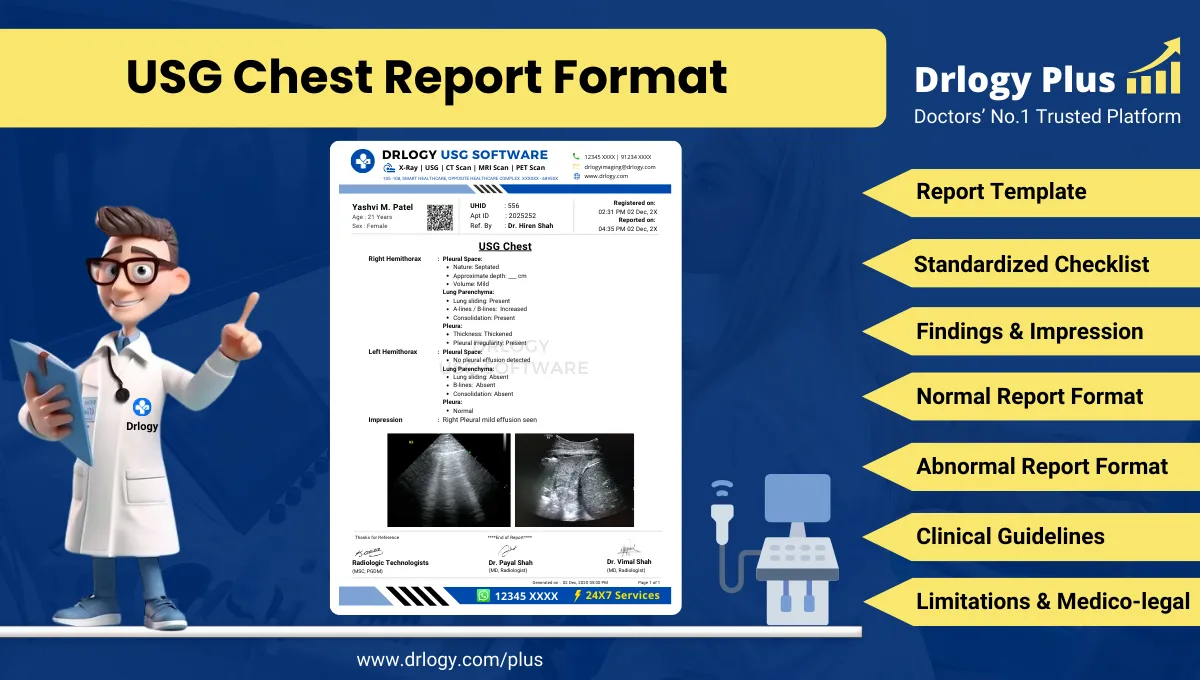
How Imaging Reporting Feature Strengthens Practice Management Software
Managing diagnostic imaging efficiently is vital for clinics and healthcare practices to ensure accurate diagnosis, timely treatment, and high-quality patient care.
Check:
Best Practice Management Software For General Practice (GP) Clinics & Hospitals
An integrated Imaging Reporting feature in practice management software streamlines how images are stored, interpreted, and shared, improving both operational workflow and clinical outcomes.
10 Ways Imaging Report Supports Practice Management Software
Here are 10 Ways Imaging Report Supports Practice Management Software.
1. Centralizes Imaging Data
- Stores X-rays, CT scans, MRIs, and ultrasound reports in one place.
- Makes accessing imaging records seamless for doctors.
- Eliminates the need for physical film storage.
- Supports faster decision-making during consultations.
- Keeps all imaging data organized and easy to retrieve.
Summary: Centralized imaging records reduce delays and improve clinical efficiency.
2. Enables Quick Report Generation
- Automates the creation of structured imaging reports.
- Reduces manual effort for radiologists and clinicians.
- Ensures consistent formatting for all reports.
- Minimizes chances of transcription errors.
- Saves time in high-volume practices.
Summary: Automated reporting speeds up diagnostic processes.
3. Supports Image Viewing & Annotation
- Provides built-in image viewers forect access.
- Allows zooming, highlighting, and marking abnormalities.
- Helps clinicians communicate findings clearly.
- Facilitates better collaboration with specialists.
- Improves accuracy in diagnosis.
Summary: Image annotation tools enhance clinical communication and clarity.
4. Improves Patient Communication
- Shares digital imaging resultsectly with patients.
- Helps explain diagnoses visually for better understanding.
- Reduces confusion about test results.
- Builds trust with transparent reporting.
- Encourages timely treatment compliance.
Summary: Visual explanations strengthen doctor-patient relationships.
5. Enhances Multi-Doctor Collaboration
- Enables secure sharing of imaging reports between departments.
- Supports multidisciplinary case reviews.
- Eliminates repeated imaging tests due to data loss.
- Ensures all doctors have the same diagnostic information.
- Improves coordination in treatment planning.
Summary: Shared imaging reports promote teamwork and better outcomes.
6. Integrates With EMR/EHR Systems
- Automatically links imaging reports to patient records.
- Provides a complete clinical history at a glance.
- Avoids duplicate data entry.
- Ensures seamless workflow across departments.
- Keeps all records synchronized.
Summary: Integrated imaging ensures smooth record-keeping.
7. Increases Diagnostic Accuracy
- Ensures no report or image is misplaced.
- Makes comparing past and present scans easy.
- Helps track disease progression accurately.
- Reduces human error through automation.
- Supports evidence-based medical decisions.
Summary: Accurate, accessible imaging improves diagnostic confidence.
8. Simplifies Compliance & Audit
- Maintains proper documentation for medical audits.
- Meets regulatory requirements for image storage.
- Facilitates easy traceability of test reports.
- Protects clinics from medico-legal risks.
- Ensures high standards in diagnostic practice.
Summary: Well-documented imaging records support legal and quality compliance.
9. Provides Cloud Access & Backup
- Securely stores imaging data in the cloud.
- Prevents data loss due to hardware failure.
- Enables remote access for doctors on the go.
- Facilitates telemedicine consultations.
- Improves disaster recovery preparedness.
Summary: Cloud-enabled imaging ensures data security and remote availability.
10. Improves Practice Efficiency & Revenue
- Speeds up reporting, reducing patient wait times.
- Increases daily patient handling capacity.
- Eliminates administrative overhead of manual records.
- Improves patient satisfaction leading to higher retention.
- Supports revenue growth through efficient operations.
Summary: A streamlined imaging system boosts productivity and profitability.
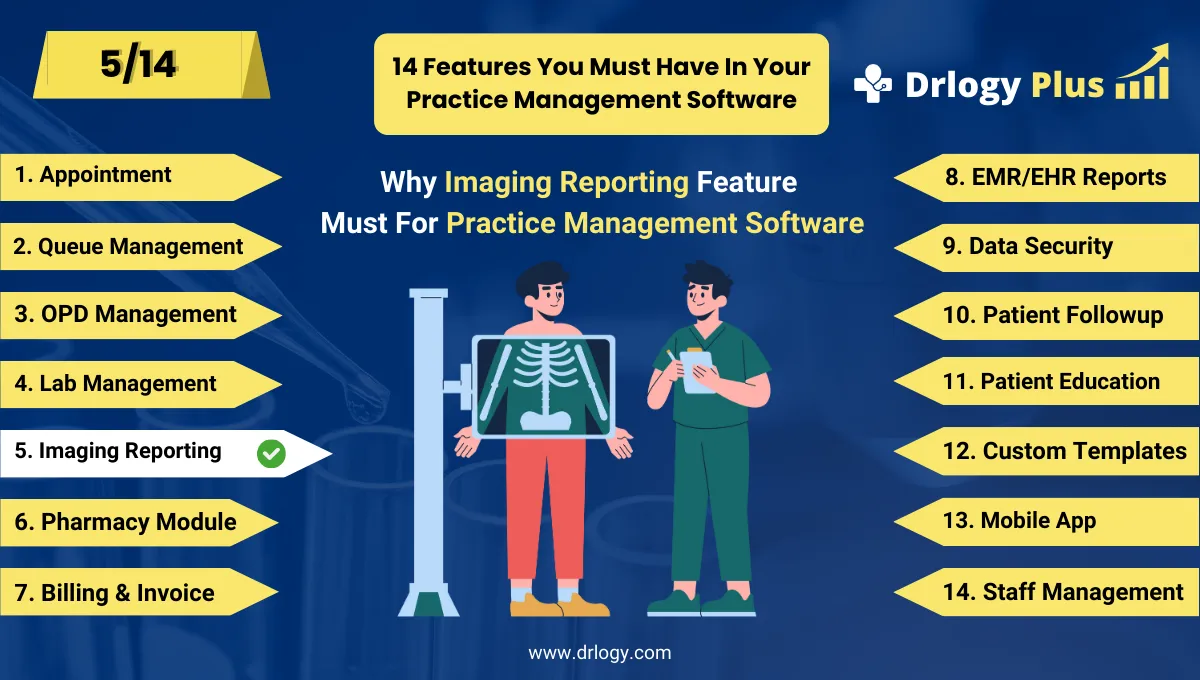
Drlogy Practice Management Software Features
Here are 14 basic features for Drlogy Practice Management Software.
Summary
Overall, Imaging Reporting in practice management software is more than just storing scans — it centralizes data, automates reporting, enhances collaboration, ensures compliance, and drives both clinical accuracy and operational efficiency.
Check Drlogy Practice Management Software Features Guide helps to support for General Practice (GP) clinics & hospitals to manage patient care with precision, from consultation to follow-up.