Drlogy
Healthcare organization
How Pediatric Templates Improve Pediatrician Software Workflow
Pediatricians handle diverse conditions across different age groups—newborns, toddlers, children, and adolescents.
Check:
Best Pediatrician Software For Pediatric Clinics & Hospitals
Pediatric templates in pediatrician software streamline clinical documentation, reduce consultation time, and ensure age-appropriate care through structured forms for growth charts, immunizations, developmental milestones, and common illnesses.
10 Ways Pediatric Templates Enhance Pediatrician Software
Here are 10 Ways Pediatric Templates Enhance Pediatrician Software.
1. Standardizes Pediatric Documentation
- Templates ensure every visit captures key pediatric-specific data.
- Covers symptoms, history, vitals, growth parameters, and behavior.
- Minimizes omissions during busy OPD hours.
- Supports uniform clinical records.
- Promotes consistent quality of care.
Standard templates bring clarity and structure to every pediatric visit.
2. Saves Time During Consultations
- Pre-filled fields and dropdowns reduce typing time.
- Faster note-taking during high-volume OPD hours.
- Helps pediatricians focus more on interaction than documentation.
- Increases efficiency and patient throughput.
- Ideal for busy clinics.
Templates turn complex documentation into a few quick clicks.
3. Supports Age-Specific Assessments
- Templates adjust based on patient age (e.g., neonate, infant, toddler, teen).
- Tailored fields for feeding, toilet training, speech development, or puberty.
- Ensures relevant questions are addressed per age group.
- Enhances clinical accuracy and relevance.
- Avoids generic or misplaced data.
Age-appropriate templates lead to smarter pediatric assessments.
4. Includes Growth & Development Milestone Charts
- Built-in charts to track height, weight, BMI, and head circumference.
- Automatically compares with WHO or CDC pediatric standards.
- Flags abnormal trends instantly.
- Supports early diagnosis of growth or developmental delays.
- Enables long-term tracking.
Templates make developmental monitoring part of every visit.
5. Simplifies Common Case Documentation
- Ready templates for common pediatric conditions like:
- Fever, diarrhea, cough, asthma, allergies, skin infections.
- Includes standard advice, prescriptions, and follow-up schedules.
- Reduces redundancy in repetitive cases.
- Improves accuracy and documentation quality.
Templates standardize how common conditions are diagnosed and treated.
6. Improves Vaccine Planning and Recording
- Templates for vaccination schedules based on age and national guidelines.
- Records brand, batch, administration date, and reaction.
- Tracks missed or upcoming vaccines.
- Prepares completion certificates.
- Enhances safety and compliance.
Vaccination templates help pediatricians stay precise and organized.
7. Enhances Parental Communication
- Structured notes make it easier to explain diagnosis and care plan.
- Print or share summary sheets with parents.
- Increases parent confidence in doctor’s thoroughness.
- Improves clarity and trust.
- Reduces follow-up confusion.
Well-organized templates improve understanding and satisfaction for parents.
8. Boosts Clinic Branding and Efficiency
- Custom-branded templates reflect your clinic’s professionalism.
- Faster service leads to better patient flow.
- Supports digital recordkeeping and audit-readiness.
- Reduces paperwork and admin time.
- Builds a modern pediatric practice image.
Templates improve both the look and function of your pediatric clinic.
9. Supports Legal and Regulatory Compliance
- Templates ensure documentation meets clinical standards.
- Captures consent, exam findings, instructions, and follow-ups.
- Creates time-stamped, verifiable records.
- Supports medico-legal safety.
- Useful during audits or insurance reviews.
Proper templates help maintain legal-ready, error-free records.
10. Enables Smarter Follow-up and Continuity of Care
- Templates retain past entries to track progress over time.
- Helpful for chronic or developmental cases like asthma, ADHD, or anemia.
- Allows comparison with earlier visits.
- Encourages personalized and long-term care planning.
- Boosts child wellness tracking.
Templates make follow-up visits more meaningful and.
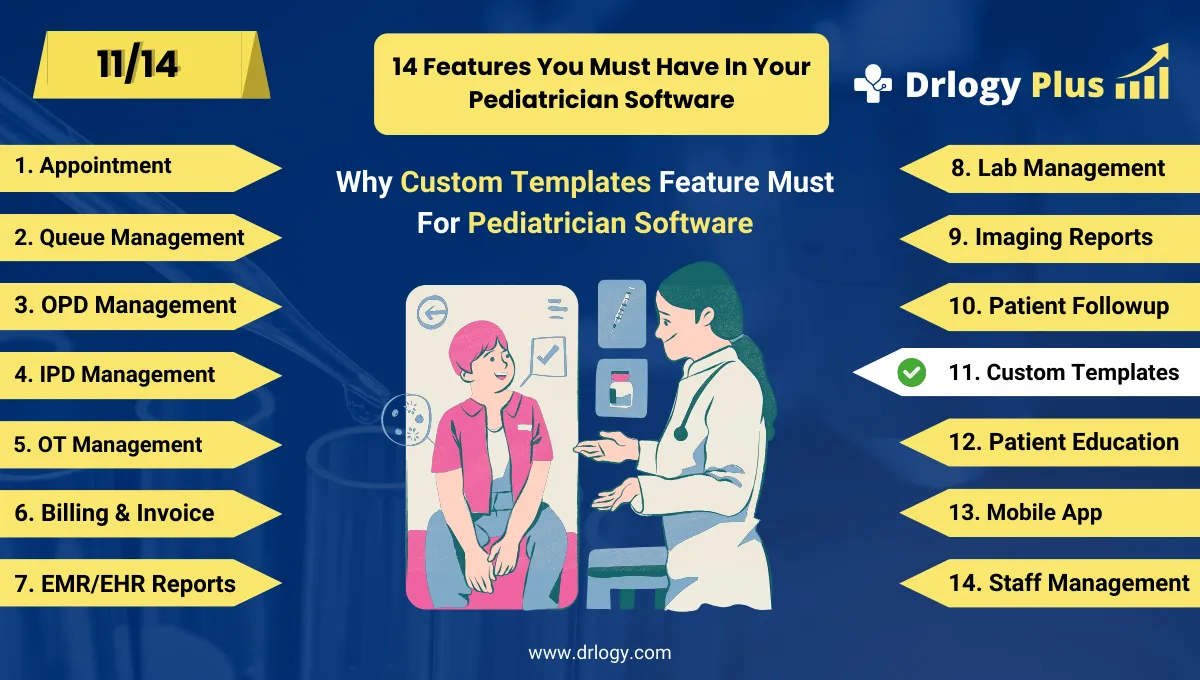
Drlogy Pediatrician Software Features
Here are 14 basic features for Drlogy Pediatrician Software.
Summary
Overall, The Pediatric Templates feature in pediatrician software ensures efficient, accurate, and child-centered documentation. By standardizing assessments, saving time, and supporting growth tracking, templates elevate the quality of care while making pediatric practice more professional, scalable, and parent-friendly.
Check Drlogy Pediatrician Software Features Guide streamline Pediatric clinic management, improve child care for digestive related conditions, and enhance overall efficiency in Pediatric practice.




