Drlogy
Healthcare organization
How Imaging Reports Streamline Pediatrician Software Diagnosis
In pediatric care, imaging plays a vital in diagnosing congenital anomalies, infections, injuries, and developmental issues.
Check:
Best Pediatrician Software For Pediatric Clinics & Hospitals
An integrated Imaging Reports feature in pediatrician software helps streamline report access, improve diagnosis accuracy, and enhance communication with parents—ensuring faster, safer, and more informed child healthcare.
10 Ways Imaging Reports Feature Help Pediatrician Software
Here are 10 Ways Imaging Reports Feature Help Pediatrician Software.
1. Simplifies Imaging Test Ordering
- Enables pediatricians to request X-rays, ultrasounds, CT scans, or MRIsectly from the software.
- Links imaging orders to specific symptoms or diagnoses (e.g., chest X-ray for pneumonia).
- Eliminates paperwork and speeds up request-to-report turnaround.
- Reduces ordering errors.
- Improves workflow between doctor and radiologist.
Smart imaging ordering ensures every child gets timely diagnostic support.
2. Centralizes Access to All Imaging Reports
- Stores X-rays, ultrasound, CT, and MRI results in the child’s EMR.
- Allows pediatricians to access reports from any device, anytime.
- Enables multi-visit comparisons for chronic or recurring conditions.
- Avoids repeat imaging due to misplaced results.
- Supports complete case tracking.
Centralized access boosts continuity and clinical clarity in pediatric care.
3. Supports Visual Diagnosis and Treatment Planning
- Pediatricians can view attached images and reports for clearer diagnosis.
- Facilitates decision-making for fractures, chest infections, brain scans, etc.
- Assists in surgical planning or referrals to pediatric specialists.
- Improves confidence in treatment paths.
- Reduces diagnostic uncertainty.
Imaging insight sharpens pediatric diagnosis and supports better clinical outcomes.
4. Improves Coordination with Radiologists
- Allows doctors to review radiologist remarks in real-time.
- Supports back-and-forth communication for second opinions.
- Ensures faster follow-up on unclear or urgent reports.
- Minimizes communication delays in urgent pediatric cases.
- Enhances accuracy and confidence.
Efficient doctor-radiologist coordination improves care speed and accuracy.
5. Integrates Imaging Costs into Billing
- Automatically includes imaging charges in the patient’s invoice.
- Differentiates between outsourced and in-house imaging services.
- Ensures accurate financial records for diagnostics.
- Supports insurance billing and package pricing.
- Improves payment transparency with parents.
Clear billing for imaging strengthens trust and reduces disputes.
6. Enables Digital Sharing with Parents
- Imaging reports can be emailed or accessed via a secure portal.
- Parents can view, download, or print reports for school or specialists.
- Reduces physical visits just for report collection.
- Increases parent engagement and confidence.
- Makes care more convenient and transparent.
Digital access empowers parents and simplifies post-visit communication.
7. Supports Chronic and Post-Treatment Monitoring
- Tracks long-term changes in lung, bone, or abdominal conditions.
- Helps assess effectiveness of treatments like antibiotics or surgery.
- Facilitates regular imaging follow-ups (e.g., for hydrocephalus, TB).
- Enhances pediatric chronic care management.
- Supports informed prognosis.
Tracking imaging over time improves pediatric follow-up strategies.
8. Assists in Emergency Pediatric Cases
- Enables instant viewing of imaging reports for trauma or acute symptoms.
- Supports rapid diagnosis in urgent cases like head injuries, appendicitis, or respiratory distress.
- Reduces time-to-treatment.
- Enhances emergency care efficiency.
- Improves patient safety and outcomes.
Quick imaging access is critical in life-saving pediatric scenarios.
9. Provides Documentation for Referrals and Schools
- Generates printable imaging reports with clinic branding.
- Supports referrals to specialists with attached imaging files.
- Useful for school fitness or medical clearance requirements.
- Helps in creating comprehensive case files.
- Adds professional credibility.
Well-structured imaging reports strengthen your clinic’s diagnostic standards.
10. Enhances Clinic Efficiency and Reputation
- Speeds up clinical decisions and reduces waiting times.
- Builds reputation as a tech-enabled, child-focused care provider.
- Improves satisfaction for both parents and referring doctors.
- Encourages positive feedback and return visits.
- Differentiates your clinic from traditional setups.
Imaging integration modernizes pediatric practice and builds patient trust.
Drlogy Pediatrician Software Features
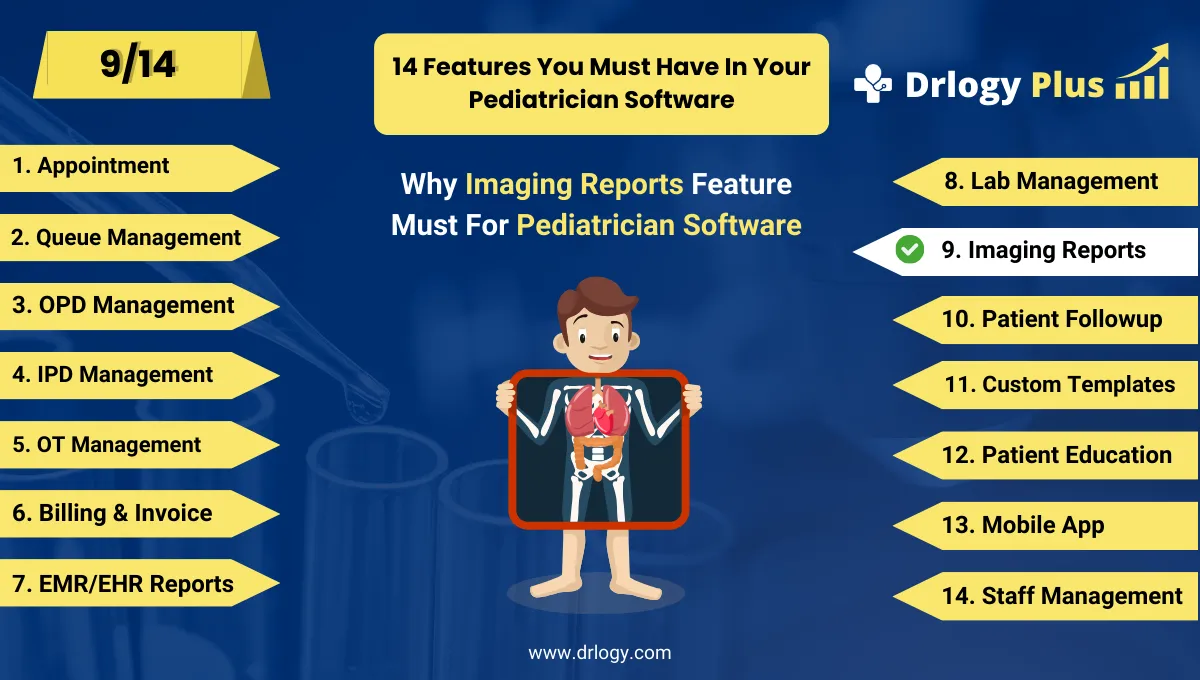
Here are 14 basic features for Drlogy Pediatrician Software.
Summary
Overall, The Imaging Reports feature in pediatrician software enhances diagnostic precision, care coordination, and communication. By integrating imaging into the clinical workflow, pediatricians can deliver faster, safer, and more personalized care—making their practice more efficient, credible, and parent-friendly.
Check Drlogy Pediatrician Software Features Guide streamline Pediatric clinic management, improve child care for digestive related conditions, and enhance overall efficiency in Pediatric practice.




