Drlogy
Healthcare organization
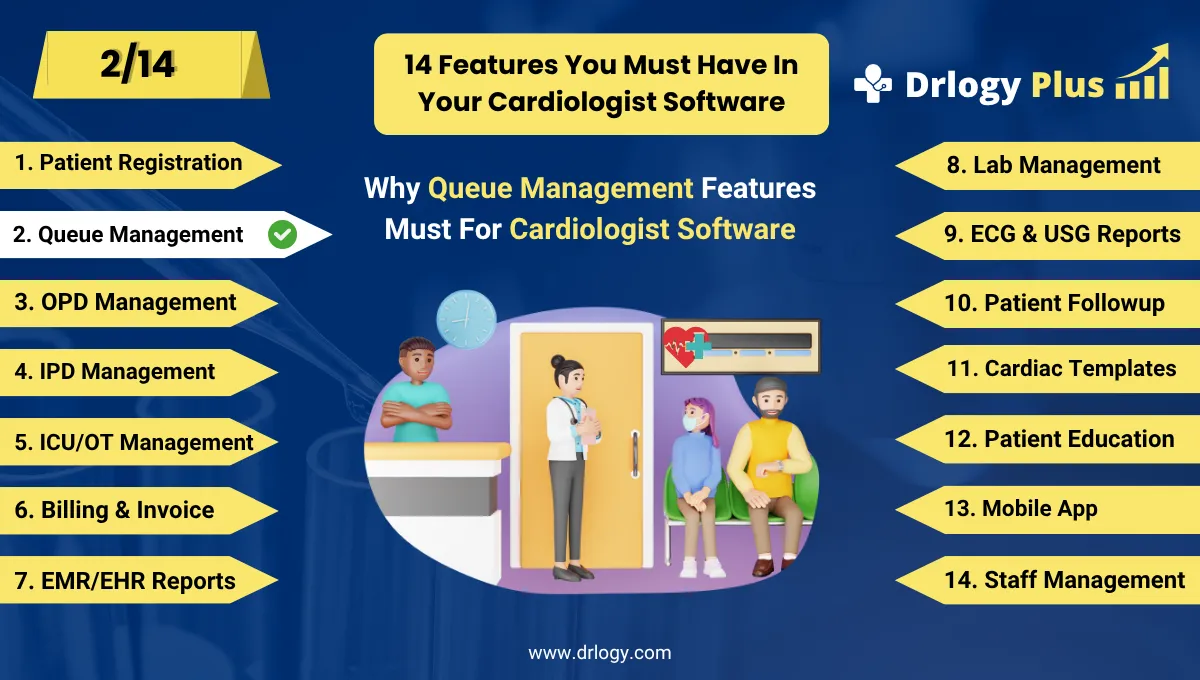
How Patient Queue Management Feature Boosts Cardiologist Software
Cardiology clinics often deal with time-sensitive cases and high patient volume.
Check:
A robust Patient Queue Management feature in Cardiologist Software streamlines the patient flow, reduces waiting time, and ensures that critical cardiac cases are prioritized efficiently.
10 Reasons Why Patient Queue Feature Must For Cardiologist Software
Here are 10 Reasons Why Patient Queue Feature Must For Cardiologist Software.
1. Reduces Waiting Room Congestion
- Organizes patients in a digital queue based on appointment time or arrival.
- Prevents overcrowding in reception or waiting areas.
- Improves safety and comfort, especially for cardiac patients with limited stamina.
- Offers real-time updates on waiting status.
- Enhances the overall patient experience.
Smooth patient flow creates a calm and efficient clinic environment.
2. Prioritizes Emergency or High-Risk Cardiac Cases
- Flags urgent cases like chest pain, breathlessness, or palpitations.
- Allows front desk or nurse to move critical patients up the queue.
- Ensures timely intervention for potentially life-threatening conditions.
- Avoids delays that could worsen outcomes.
- Supports emergency triage within the OPD system.
Life-threatening heart symptoms get faster care with smart queue prioritization.
3. Supports Multi-Doctor or Multi-Room Setup
- Automatically routes patients to available cardiologists or consulting rooms.
- Balances workload and reducesle time across departments.
- Ideal for hospitals or group cardiology practices.
- Increases the number of patients served daily.
- Improves teamwork and coordination among medical staff.
Queue management optimizes staff utilization across all consultation points.
4. Enhances OPD Efficiency
- Tracks real-time status of each patient—from check-in to consultation to checkout.
- Reduces dependency on manual calling and status updates.
- Shortens total visit duration, especially for review patients.
- Helps in planning for investigations or next steps in care.
- Keeps the doctor informed of patient inflow.
Streamlined OPD workflows improve consultation speed and quality.
5. Enables Real-Time Queue Monitoring
- Doctors and staff can view queue progress from any device.
- Allows the cardiologist to plan ahead or reschedule if needed.
- Patients can be informed about delays or slot changes.
- Improves communication between reception, nurse, and doctor.
- Reduces confusion and mismanagement.
Live queue updates keep everyone informed and in sync.
6. Improves Patient Satisfaction
- Reduces long waits and uncertainty for patients with heart conditions.
- Offers clear visibility of their position in line.
- Patients feel more respected and valued with transparent systems.
- Decreases frustration and anxiety.
- Encourages positive word-of-mouth and return visits.
Happy patients are more likely to trust and return to your cardiology clinic.
7. Supports Appointment and Walk-In Management
- Manages both pre-booked appointments and walk-in patients seamlessly.
- Automatically balances time slots to avoid double booking.
- Prevents overloading of the cardiologist’s schedule.
- Allows flexibility without chaos.
- Helps manage high-volume days effectively.
Efficient queue handling keeps the day running smoothly even during rush hours.
8. Facilitates Queue Notifications and Alerts
- Sends SMS or app alerts when a patient is near their turn.
- Reduces unnecessary crowding by allowing patients to wait outside or in vehicles.
- Especially useful for elderly cardiac patients who need space and comfort.
- Minimizes missed calls or skipped appointments.
- Keeps the queue moving smoothly.
Digital alerts add comfort and convenience for both patients and staff.
9. Integrates with Billing, EMR, and Consultation Modules
- Automatically updates patient status across the system.
- Prepares doctor with access to case history before the visit.
- Sends the patientectly to billing or lab after consultation.
- Ensures end-to-end flow from registration to exit.
- Reduces manual handovers and miscommunication.
Queue system becomes the central thread connecting all clinical activities.
10. Helps in Performance and Time Analytics
- Tracks average wait time, consultation time, and patient load.
- Helps cardiologists plan their schedules more effectively.
- Identifies peak hours and staff optimization opportunities.
- Supports decision-making for resource allocation.
- Enables better long-term planning and patient handling.
Queue data gives actionable insights for improving clinic performance.
Drlogy Cardiologist Software Features
Here are 14 basic features for Drlogy Cardiologist Software.
Summary
Overall, The Patient Queue Management feature in Cardiologist Software is vital for maintaining speed, order, and clarity in a high-stakes specialty like cardiology. It improves patient flow, reduces wait-related anxiety, ensures timely care for emergencies, and enhances the overall clinic experience—both for patients and care providers.
Check Drlogy Cardiologist Software Features Guide streamline cardiology clinic management, improve patient flow for cardiac related conditions, and enhance overall efficiency in cardiology practice for heart surgons and cardiologist.




