Drlogy
Healthcare organization
Why Communication & Sharing Feature Must In Orthodontic Software
Effective communication and sharing features in orthodontic software are crucial for ensuring smooth interactions between patients, staff, and referring doctors.
Check:
By enhancing collaboration and streamlining information flow, these features improve patient care and clinic efficiency.
10 Best Communication & Sharing Features for Orthodontic Software
Check 10 Best Communication & Sharing Features for Orthodontic Software.
1. Patient Communication Portal
- Provide a secure platform for patients to communicate with their orthodontist.
- Enable messaging for appointment reminders, treatment updates, and follow-up care.
- Centralize patient communications for easy access and record-keeping.
- Improve patient engagement by providingect access to their treatment team.
- Foster ongoing communication throughout the treatment process.
2. Referring Doctor Collaboration
- Facilitate seamless communication with referring dentists or specialists.
- Share treatment plans, progress reports, and imaging data securely.
- Streamline referral workflows with integrated communication features.
- Improve patient care coordination through collaborative case management.
- Enhance relationships with external professionals for better treatment outcomes.
3. Secure File Sharing
- Allow secure sharing of treatment documents, images, and reports with patients and team members.
- Protect sensitive information with encryption and access controls.
- Enable quick transmission of large files, such as X-rays or 3D scans, without compromising security.
- Improve the speed of consultations and follow-ups by reducing file sharing delays.
- Ensure compliance with data privacy regulations for medical file sharing.
4. Integrated SMS and Email Notifications
- Automate appointment reminders, follow-up messages, and treatment updates via SMS and email.
- Customize notifications based on patient preferences and treatment schedules.
- Enhance patient engagement with timely and relevant communications.
- Reduce missed appointments with automated reminders.
- Streamline communication management by integrating notificationsectly into the software.
5. Patient Education Sharing
- Share educational materials such as videos, brochures, or treatment guidelines with patients.
- Help patients better understand their treatments and expected outcomes.
- Enable patients to access educational content through their portal or email.
- Reduce in-clinic explanation time by providing accessible information ahead of appointments.
- Improve patient compliance with informed instructions and clear guidance.
6. Real-Time Team Collaboration
- Enable internal team members to collaborate on cases in real time.
- Share patient files, images, and treatment notes during discussions or consultations.
- Facilitate team meetings or consultations remotely with shared access to patient records.
- Improve decision-making by allowing quick consultations between orthodontic professionals.
- Streamline workflow by reducing back-and-forth communication delays.
7. Appointment Sharing and Coordination
- Share patient appointment details with both patients and staff.
- Allow patients to confirm or reschedule appointments through shared calendars.
- Coordinate appointment schedules between different clinics or locations.
- Improve patient satisfaction by making scheduling easier and more transparent.
- Reduce scheduling conflicts with real-time updates and confirmations.
8. Cloud-Based Access for Remote Consultations
- Provide cloud access to patient records for remote consultations or second opinions.
- Allow patients to receive feedback or treatment updates without visiting the clinic.
- Enable orthodontists to review patient data and provide advice from any location.
- Streamline patient care by offering more flexible consultation options.
- Improve accessibility to care for patients with limited mobility or in remote areas.
9. Automated Communication Templates
- Use pre-built templates for routine communication like follow-ups, appointment reminders, or birthday messages.
- Save time by automating common messages and updates with personalization options.
- Maintain consistent communication with patients throughout their treatment journey.
- Enhance patient relationships with thoughtful and timely interactions.
- Simplify communication workflows with easy-to-use templates.
10. Data-Compliant Messaging
- Ensure all communication channels are compliant with data privacy regulations.
- Protect patient privacy by securing all messages and communications within the software.
- Provide peace of mind to patients and professionals by adhering to strict security standards.
- Safeguard sensitive health information during digital communication.
- Reduce the risk of data breaches and privacy violations in patient communication.
Drlogy Orthodontic Software Features Guide
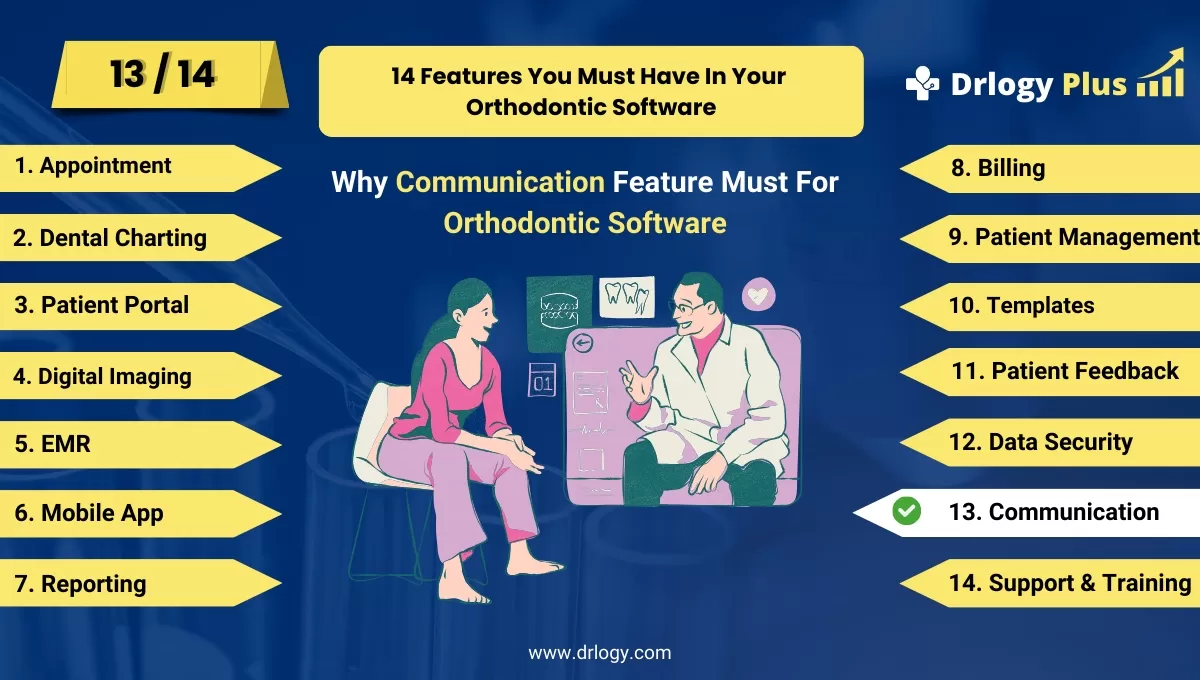
Here's a full guide for the 14 best Orthodontic Software features.
| 1. Appointment | 8. Billing |
| 2. Dental Charting | 9. Patient Management |
| 3. Patient Portal | 10. Customizable Templates |
| 4. Digital Imaging | 11. Patient Feedback |
| 5. EMR | 12. Data Security |
| 6. Mobile App | 13. Communication & Sharing |
| 7. Reporting | 14. Support & Training |
Summary
Overall, These communication and sharing features are essential for orthodontic software to enhance patient engagement, streamline workflows, and improve the overall treatment experience for both patients and staff.
Check Drlogy Orthodontic Software Features Guide for offers comprehensive efficient patient management in dental practice management.




