Drlogy
Healthcare organization
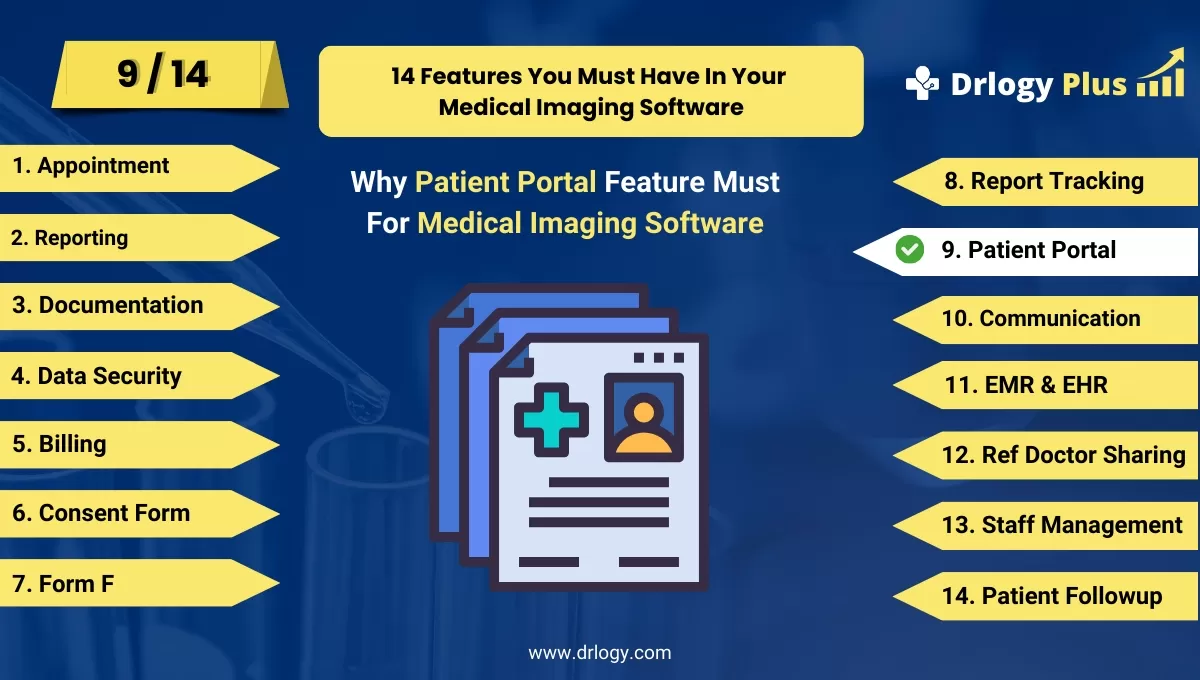
Why Patient Portal Feature Must In Medical Imaging Software
Patient portals in medical imaging software play a crucial in enhancing patient engagement and streamlining access to medical information.
Check:
These features provide patients with secure, convenient access to reports, appointments, billing, and more, improving transparency and overall healthcare experience.
10 Best Patient Portal Features For Medical Imaging Software
Check 10 Best Patient Portal Features for Medical Imaging Software.
1. Secure Access to Imaging Reports
- Provides patients with secure, encrypted access to their imaging reports online.
- Ensures compliance with healthcare data protection regulations like HIPAA.
- Reduces the need for patients to visit clinics or wait for physical copies of their reports.
- Improves patient convenience by offering round-the-clock access to results.
- Empowers patients to stay informed about their medical condition in real time.
2. Appointment Scheduling
- Allows patients to schedule, reschedule, or cancel imaging appointmentsectly through the portal.
- Reduces administrative burden by minimizing phone calls and manual scheduling.
- Offers reminders for upcoming appointments, reducing no-shows.
- Provides real-time availability of appointment slots, improving efficiency.
- Enhances patient satisfaction by offering flexible scheduling options.
3. Image Viewing and Sharing
- Enables patients to view and download their medical images (e.g., X-rays, MRIs) from the portal.
- Offers high-resolution image viewers, allowing patients to examine their scans easily.
- Facilitates sharing of images with other healthcare providers for second opinions or further treatment.
- Reduces the need for physical copies of images, saving time and costs.
- Enhances patient engagement by providing full access to their medical records.
4. Billing and Payment Integration
- Provides patients with access to their billing details, including charges for imaging services.
- Allows patients to pay bills securely through the portal using various payment methods.
- Offers an itemized breakdown of costs, enhancing transparency in billing.
- Sends reminders for upcoming payments, reducing delays and missed payments.
- Improves the patient experience by making billing and payment processes more accessible and efficient.
5. Medical History and Record Access
- Gives patients access to their complete medical history, including past imaging reports and diagnoses.
- Allows patients to review their medical records whenever needed, improving transparency.
- Facilitates the tracking of long-term health trends and conditions.
- Reduces the need for manual record requests, speeding up the process.
- Improves patient-clinician communication by ensuring both parties have access to the same information.
6. Online Consent Form Submission
- Allows patients to fill out and submit consent forms electronically before imaging procedures.
- Reduces waiting times during check-in by having forms completed in advance.
- Improves compliance by ensuring that all necessary documentation is obtained before appointments.
- Enhances workflow efficiency by integrating consent forms with the imaging system.
- Provides patients with the convenience of completing paperwork from home.
7. Real-Time Report Tracking
- Enables patients to track the progress of their imaging reports, from exam completion to report availability.
- Reduces anxiety by keeping patients informed about when their results will be ready.
- Sends automated notifications when reports are available, improving communication.
- Enhances transparency by allowing patients to monitor the entire process.
- Reduces administrative follow-ups by offering real-time updates through the portal.
8. Patient Education Resources
- Offers access to educational materials, videos, and resources about imaging procedures and results.
- Helps patients understand the purpose, process, and risks of their imaging exams.
- Provides detailed explanations of imaging report findings in easy-to-understanduage.
- Improves patient engagement by offering resources that enhance their knowledge of their health.
- Reduces confusion and improves patient outcomes by ensuring they are well-informed.
9. Telemedicine and Virtual Consultations
- Integrates with telemedicine platforms to allow virtual consultations with radiologists or healthcare providers.
- Facilitates discussion of imaging results or further treatment options without needing an in-person visit.
- Improves accessibility, especially for patients in remote or rural areas.
- Enhances patient convenience by offering follow-up appointments from the comfort of their home.
- Reduces the need for travel, saving time and costs for patients.
10. Mobile-Friendly Access
- Provides a mobile-optimized version of the patient portal, allowing access from smartphones and tablets.
- Improves convenience by enabling patients to view reports, schedule appointments, and manage billing on the go.
- Enhances patient engagement by ensuring that the portal is accessible from any device.
- Increases usage and patient satisfaction by offering a user-friendly mobile experience.
- Supports notifications and alerts for real-time updates on mobile devices.
Drlogy Medical Imaging Software Features Guide
Here's a full guide for the 14 best Medical Imaging Software features.
| 1. Billing | 8. Report Tracking |
| 2. Reporting | 9. Patient Portal |
| 3. Documentation | 10. Communication |
| 4. Data Security | 11. EMR & EHR |
| 5. Billing | 12. Ref Doctor |
| 6. Consent Form | 13. Staff |
| 7. Form F | 14. Patient Followup |
Summary
Overall, Incorporating these patient portal features into medical imaging software enhances patient engagement, streamlines administrative processes, and ensures secure, efficient access to medical information, ultimately improving patient care.
Check Drlogy Medical Imaging Software Features Guide provides a detailed overview of key features to optimize medical imaging centers operations and improve patient management efficiency.