Drlogy
Healthcare organization
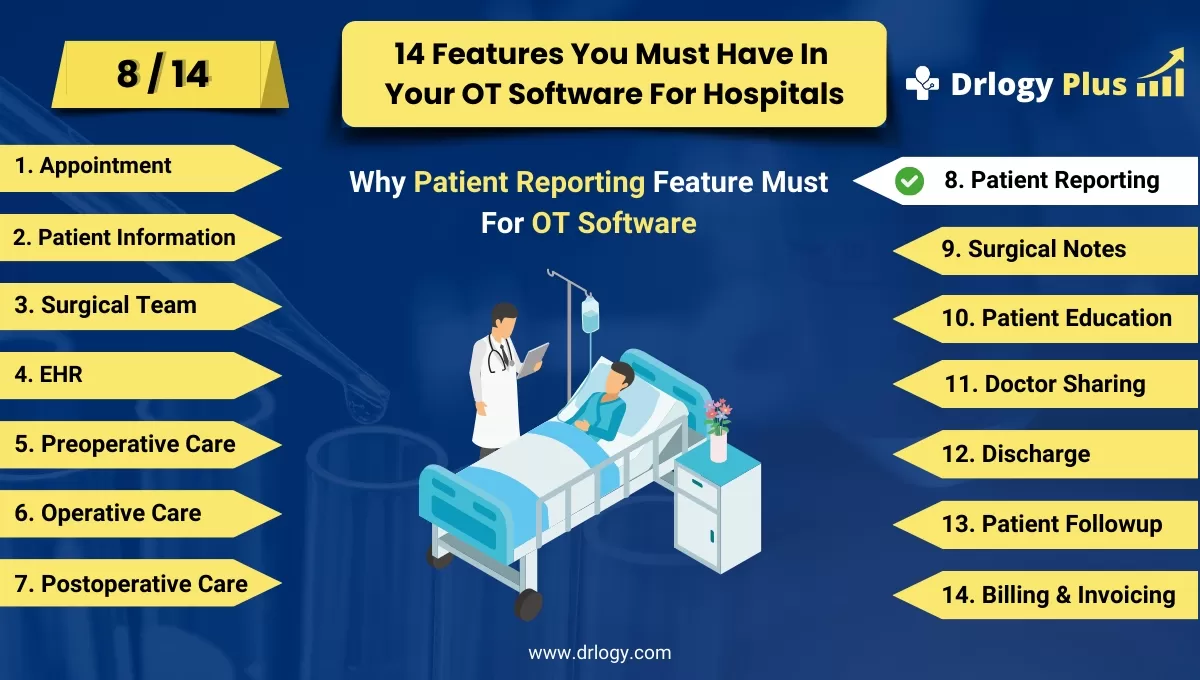
Why Patient Reporting Feature Must In OT Management Software
Patient reporting features in OT software are crucial for facilitating comprehensive documentation of patient progress and treatment outcomes.
Check:
They enable effective communication between healthcare providers, support decision-making, and ensure continuity of care, ultimately enhancing patient safety and satisfaction.
Check:
10 Best Patient Reporting Features for OT Management Software
Check 10 Best Patient Reporting Features for OT Management Software.
1. Real-time Reporting
- Live Data Updates: Provide real-time updates on patient status, including vital signs and recovery progress.
- Instant Alerts: Set up instant alerts for any critical changes in patient condition or deviations from normal ranges.
- Dashboard Views: Use interactive dashboards to display real-time data for quick and easy access by healthcare providers.
- Customizable Reports: Allow customization of real-time reports to meet the specific needs of different healthcare teams.
- Integration with EHR: Ensure real-time data seamlessly integrates with the patient’s electronic health record for a comprehensive view.
2. Comprehensive Medical History Reports
- Detailed Summaries: Generate detailed summaries of the patient’s complete medical history, including previous surgeries and treatments.
- Chronological Order: Present medical history in a chronological order for easy review and reference.
- Interactive Filters: Enable interactive filters to quickly locate specific information within the medical history.
- Printable Versions: Provide options to print comprehensive medical history reports for physical records or consultations.
- Patient Access: Allow patients to access their own medical history reports through a secure patient portal.
3. Postoperative Outcome Reports
- Recovery Milestones: Document and report on key recovery milestones and timelines for postoperative patients.
- Complication Tracking: Track and report any postoperative complications, including their resolution and impact on recovery.
- Patient Satisfaction: Include patient satisfaction scores and feedback in outcome reports to gauge overall care quality.
- Functional Outcomes: Report on functional outcomes such as mobility, pain levels, and return to daily activities.
- Comparative Analysis: Use comparative analysis to benchmark postoperative outcomes against expected standards or similar cases.
4. Infection Control Reports
- Infection Rates: Track and report infection rates post-surgery, highlighting any trends or areas of concern.
- Antibiotic Usage: Report on the usage and effectiveness of antibiotics in preventing or treating infections.
- Sterilization Compliance: Include data on compliance with sterilization and hygiene protocols in infection control reports.
- Outbreak Alerts: Generate alerts and detailed reports in case of infection outbreaks, helping to initiate timely interventions.
- Preventive Measures: Document and report on preventive measures taken to reduce infection risks in postoperative patients.
5. Pain Management Reports
- Pain Level Tracking: Continuously track and report patient pain levels using standardized pain assessment tools.
- Medication Efficacy: Report on the efficacy of pain medications and any adjustments made during the recovery period.
- Non-Pharmacological Interventions: Include data on the use and effectiveness of non-pharmacological pain relief methods.
- Patient Feedback: Collect and report patient feedback on pain management strategies to improve care plans.
- Compliance Monitoring: Monitor and report on compliance with pain management protocols and prescribed medication regimens.
6. Rehabilitation Progress Reports
- Therapy Sessions: Document and report on the frequency and type of rehabilitation therapy sessions attended by the patient.
- Progress Metrics: Include metrics on patient progress, such as range of motion, strength, and functional abilities.
- Goal Achievement: Track and report on the achievement of rehabilitation goals and milestones.
- Patient Engagement: Report on patient engagement and adherence to rehabilitation programs.
- Therapist Notes: Incorporate therapist notes and observations into progress reports for a comprehensive view.
7. Medication Compliance Reports
- Dosage Tracking: Track and report on the administration and adherence to prescribed medication dosages.
- Missed Doses:entify and report any missed doses or deviations from the prescribed medication regimen.
- Side Effects: Document and report any side effects or adverse reactions to medications.
- Patient Education: Include information on patient education efforts regarding medication use and compliance.
- Compliance Rates: Calculate and report overall medication compliance rates toentify areas for improvement.
8. Patient Satisfaction Reports
- Survey Results: Collect and report results from patient satisfaction surveys conducted postoperatively.
- Feedback Analysis: Analyze patient feedback toentify common themes and areas needing improvement.
- Service Quality: Report on various aspects of service quality, including communication, comfort, and care coordination.
- Comparative Scores: Compare patient satisfaction scores with historical data or industry benchmarks.
- Action Plans: Develop and document action plans based on patient satisfaction reports to enhance future care.
9. Financial Reports
- Cost Tracking: Track and report on all costs associated with the patient’s surgery and postoperative care.
- Billing Summaries: Provide detailed billing summaries, including itemized costs and insurance information.
- Revenue Analysis: Analyze revenue generated from surgeries and postoperative care, highlighting trends and opportunities.
- Patient Billing History: Maintain and report on the patient’s billing history for easy reference and financial management.
- Payment Plans: Document and report on any payment plans or financial assistance programs utilized by patients.
10. Customizable Report Templates
- Template Library: Provide a library of customizable report templates to meet various reporting needs.
- User-friendly Interface: Ensure the interface for customizing reports is intuitive and user-friendly.
- Flexible Data Fields: Allow users to add, remove, or modify data fields to tailor reports to specific requirements.
- Automated Generation: Enable automated generation of reports based on predefined schedules or triggers.
- Data Visualization: Incorporate data visualization tools such as charts and graphs to enhance the clarity and impact of reports.
Drlogy OT Management Software Features Guide
Here are 14 features of Operation Theatre (OT) Management Software for hospitals.
| 1. Appointment | 8. Patient Reporting |
| 2. Patient Information | 9. Surgical Notes |
| 3. Surgical Team | 10. Patient Education |
| 4. EHR | 11. Doctor Sharing |
| 5. Preoperative Checklists | 12. Discharge |
| 6. Operative Preparation | 13. Patient Followup |
| 7. Postoperative Care | 14. Billing and Invoicing |
Summary
Overall, Patient reporting features in OT software enable efficient documentation and communication, promoting decision-making and enhancing patient safety and satisfaction.
Check Drlogy OT Management Software Features Guide for efficient inpatient management and enhanced patient care for your clinics and hospitals for patient management.




