Drlogy
Healthcare organization
Why Reporting Feature Must In Medical Imaging Software
Medical imaging software's reporting features play a vital in ensuring accurate, timely, and comprehensive diagnostic results.
Check:
These features streamline the reporting process, enhance communication between healthcare providers, and improve patient care.
10 Best Reporting Features For Medical Imaging Software
Check 10 Best Reporting Features for Medical Imaging Software.
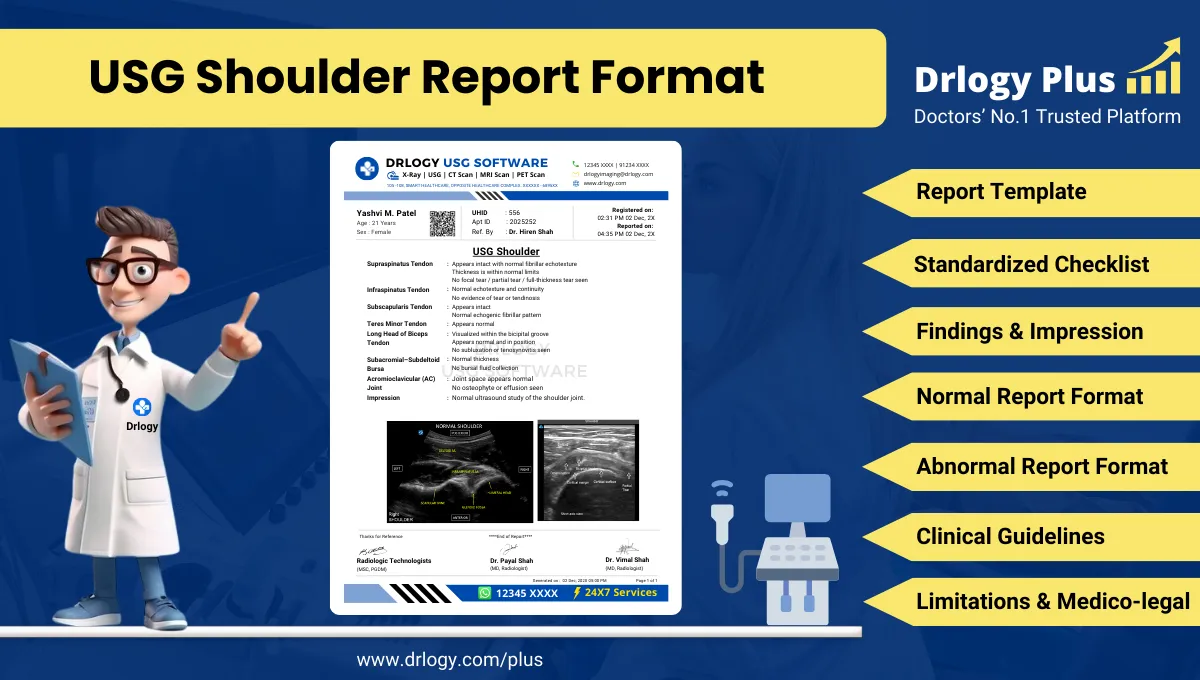
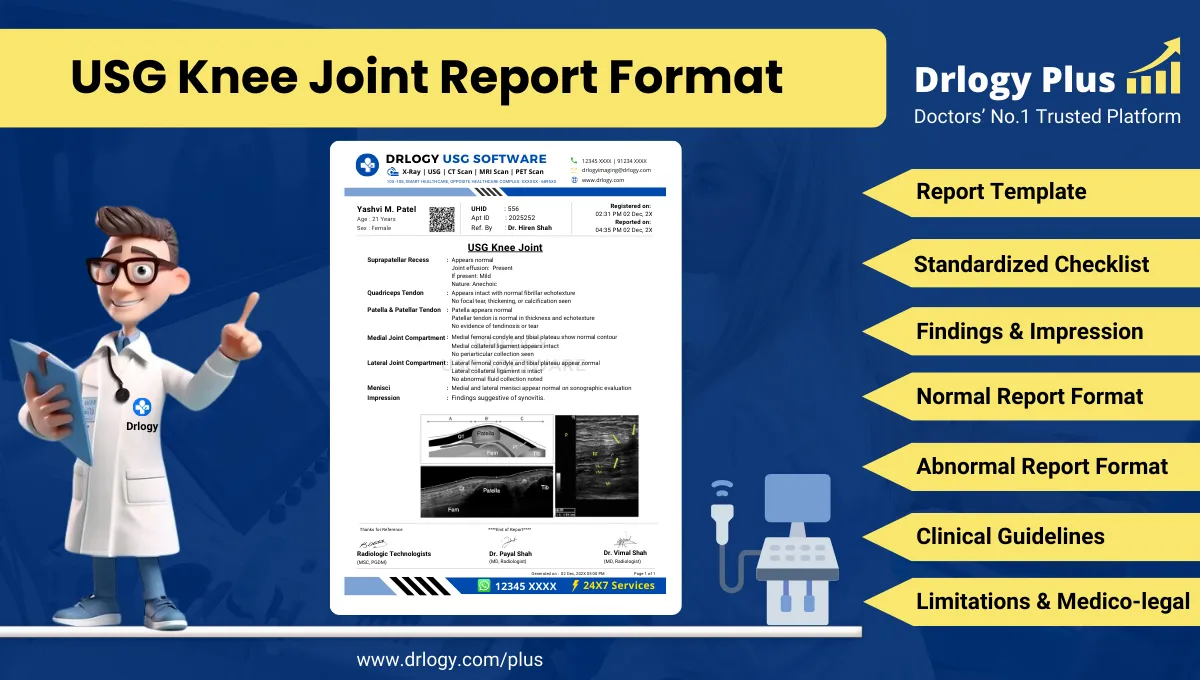
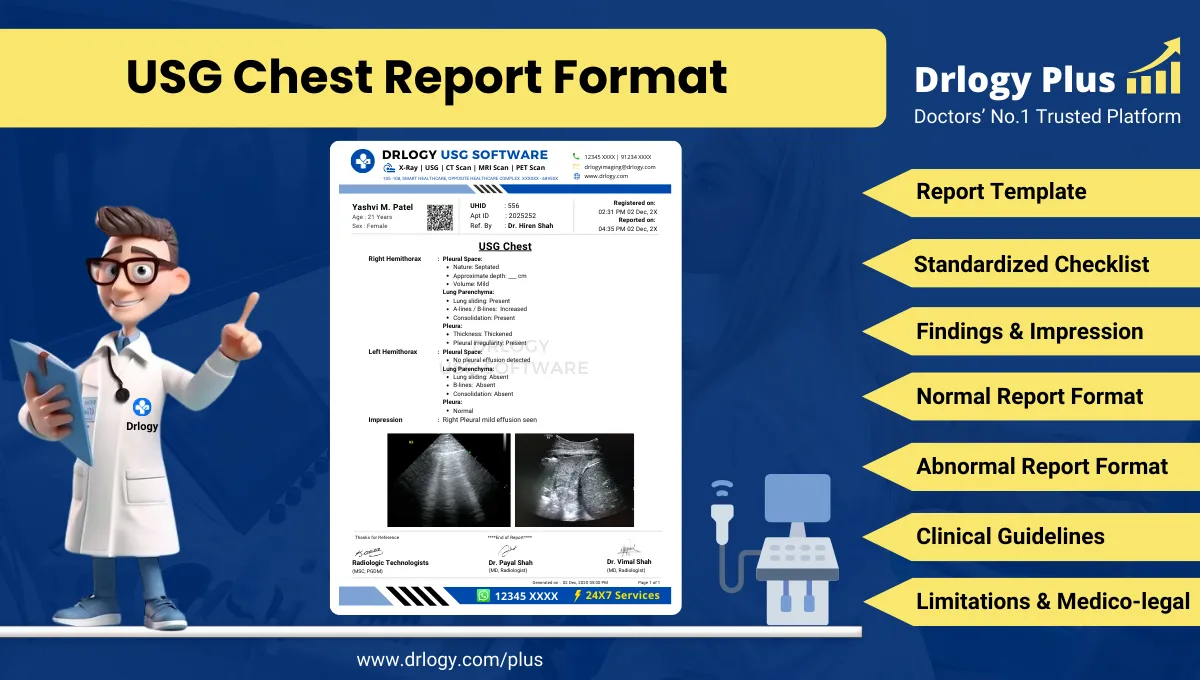
1. Customizable Report Templates
- Provides pre-built templates for different imaging procedures (X-ray, MRI, CT scan, etc.).
- Allows radiologists to customize templates according to specific diagnostic needs.
- Reduces time spent on creating reports by automating repetitive elements.
- Ensures consistency across all reports, enhancing clarity and professionalism.
- Improves report accuracy by minimizing human error with structured formats.
2. Structured Reporting
- Uses standardizeduage and formats, making reports more uniform and easier to understand.
- Ensures compliance with industry standards like DICOM and HL7.
- Improves communication between radiologists and referring physicians through consistent terminology.
- Enhances the accuracy and reliability of diagnoses by following established protocols.
- Facilitates faster report generation, enabling radiologists to focus on patient care.
3. Voice Recognition and Dictation
- Enables radiologists to dictate reports instead of typing, speeding up the reporting process.
- Converts speech to text with high accuracy, reducing transcription errors.
- Allows radiologists to review and edit reports in real-time for faster finalization.
- Supports multipleuages, catering to diverse healthcare professionals.
- Increases productivity by streamlining the documentation process.
4. Automated Report Generation
- Automatically generates preliminary reports based on imaging data and pre-set algorithms.
- Speeds up report creation, especially for routine imaging procedures.
- Reduces the burden on radiologists, allowing them to focus on more complex cases.
- Provides instant insights that can be reviewed and confirmed by healthcare professionals.
- Ensures consistency in reporting through automated processes.
5. Imaging and Report Comparison
- Allows side-by-side comparison of current and previous imaging reports.
- Highlights changes or progress over time, assisting in long-term patient monitoring.
- Enables radiologists to make more informed decisions by comparing historical data.
- Improves diagnostic accuracy by providing visual and comparisons.
- Helps in tracking the effectiveness of treatments through regular follow-ups.
6. Multi-Modal Report Integration
- Combines reports from different imaging modalities (MRI, CT, Ultrasound) into a single document.
- Provides a comprehensive view of the patient's condition by integrating all imaging data.
- Reduces the need for multiple reports, simplifying the reviewing process for clinicians.
- Facilitates better communication between departments by consolidating data in one place.
- Enhances the accuracy of diagnosis through holistic reporting.
7. Graphical and 3D Imaging Reports
- Incorporates 3D models and visualsectly into reports for more detailed diagnostics.
- Allows radiologists to annotate images, highlighting key areas of concern.
- Improves the understanding of complex imaging results for both doctors and patients.
- Provides interactive imaging tools that aid in detailed analysis and report generation.
- Enhances the overall quality of reports by adding visual context to findings.
8. Integration with Electronic Health Records (EHR)
- Seamlessly integrates with EHR systems to pull and push data between platforms.
- Allows automatic updates of patient imaging results into their medical records.
- Facilitates comprehensive patient care by providing a unified view of clinical history and imaging data.
- Reduces manual data entry, saving time and minimizing errors.
- Ensures compliance with standards and improves information accessibility.
9. Automated Report Distribution
- Automatically sends finalized reports to referring doctors, specialists, or patients.
- Offers multi-channel distribution via email, secure messaging, orect EHR upload.
- Ensures timely delivery of reports, reducing delays in patient diagnosis and treatment.
- Provides tracking to confirm that reports have been received and reviewed.
- Increases the efficiency of information flow between healthcare providers.
10. Advanced Analytics and Reporting Insights
- Generates detailed analytics on report turnaround times, procedure trends, and radiologist performance.
- Provides insights into departmental efficiency and resource utilization.
- Identifies bottlenecks in reporting workflows, allowing for process improvements.
- Assists in predicting future demand for imaging services based on historical data.
- Enhances decision-making with insights into imaging and reporting operations.
Drlogy Medical Imaging Software Features Guide
Here's a full guide for the 14 best Medical Imaging Software features.
| 1. Appointment | 8. Report Tracking |
| 2. Reporting | 9. Patient Portal |
| 3. Documentation | 10. Communication |
| 4. Data Security | 11. EMR & EHR |
| 5. Billing | 12. Ref Doctor |
| 6. Consent Form | 13. Staff |
| 7. Form F | 14. Patient Followup |
Summary
Overall, Implementing these top reporting features leads to more efficient workflows and improved diagnostic accuracy in medical imaging practices.
Check Drlogy Medical Imaging Software Features Guide provides a detailed overview of key features to optimize medical imaging centers operations and improve patient management efficiency.