Drlogy
Healthcare organization
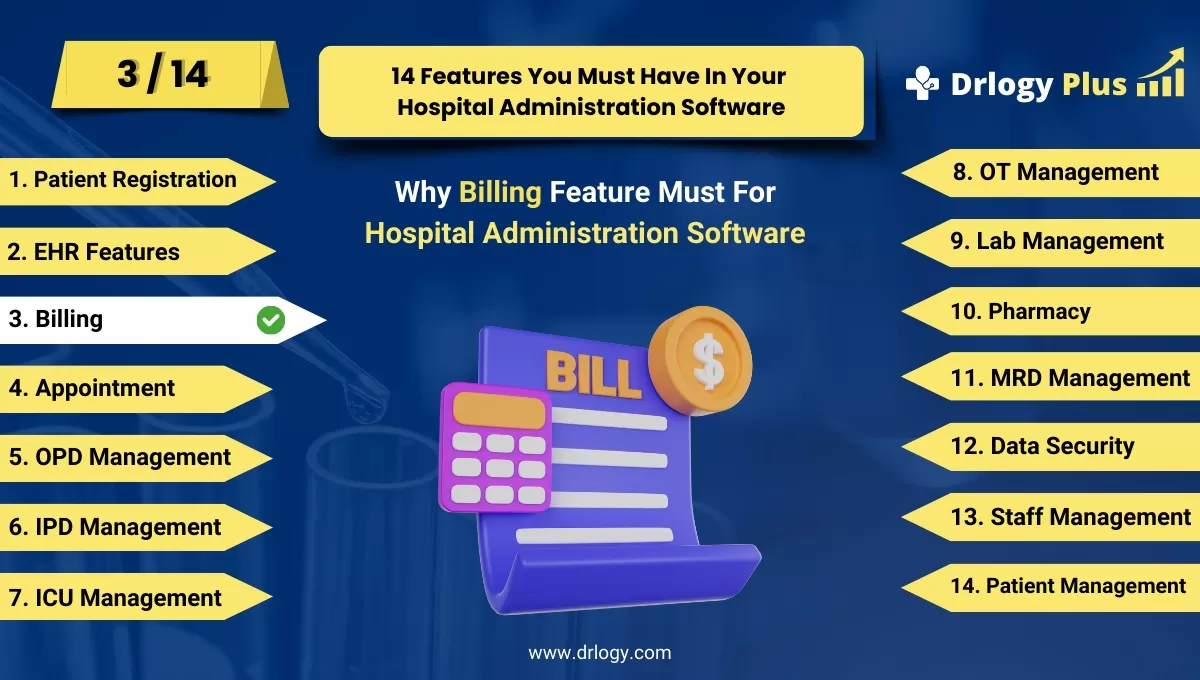
Why Billing Management Features For Hospital Administration Software
The Billing Management feature is essential for optimizing hospital financial operations by streamlining billing processes, ensuring accurate revenue collection, and enhancing patient satisfaction.
Recommended
It simplifies financial management, improves compliance, and supports operational efficiency.
10 Reasons Why Billing Management Feature Must For Hospital Administration Software
Here are 10 Reasons Why Billing Management Feature Must For Hospital Administration Software.
1. Streamlined Billing Processes
- Automated Invoicing: Generates invoices automatically, reducing manual effort and errors.
- Efficient Payment Tracking: Monitors and tracks patient payments, ensuring accurate billing records.
- Integrated Billing System: Integrates with other hospital systems like EHR and appointment scheduling for seamless billing.
- Reduced Processing Time: Accelerates the billing cycle from service delivery to payment collection.
- Consistent Billing Practices: Standardizes billing processes across different departments and services.
2. Accurate Financial Management
- Error Reduction: Minimizes billing errors with automated calculations and predefined templates.
- Detailed Billing Records: Maintains comprehensive records of all transactions for accurate financial reporting.
- Real-Time Updates: Provides real-time updates on billing status, patient balances, and payment history.
- Customizable Billing Codes: Supports customizable billing codes for different services and procedures.
- Financial Reconciliation: Facilitates regular reconciliation of financial records to ensure accuracy.
3. Enhanced Revenue Cycle Management
- Claims Management: Automates the submission and tracking of insurance claims for quicker reimbursements.
- Denial Management:entifies and manages denied claims to improve claim approval rates.
- Patient Billing: Provides clear and detailed patient bills, improving transparency and reducing disputes.
- Revenue Tracking: Monitors revenue streams from various sources, including insurance and patient payments.
- Financial Forecasting: Assists in forecasting revenue based on historical data and billing trends.
4. Improved Compliance
- Regulatory Adherence: Ensures compliance with billing regulations and standards, such as ICD-10 and CPT codes.
- Audit Trails: Maintains detailed logs of billing activities for auditing and compliance verification.
- Secure Data Handling: Protects sensitive billing information with encryption and access controls.
- Accurate Documentation: Ensures all billing documentation meets legal and regulatory requirements.
- Compliance Reporting: Generates reports to demonstrate compliance with billing regulations and standards.
5. Patient Satisfaction
- Transparent Billing: Provides clear and itemized bills to patients, enhancing transparency and trust.
- Flexible Payment Options: Offers multiple payment methods, including online payments and installment plans.
- Billing Inquiries: Facilitates easy handling of patient billing inquiries and disputes.
- Automated Statements: Sends regular billing statements and reminders to keep patients informed.
- Convenient Access: Allows patients to view and manage their billing information online through a patient portal.
6. Operational Efficiency
- Time Savings: Reduces the time spent on manual billing tasks and administrative work.
- Integrated Systems: Links billing with other hospital systems to streamline workflows and reduce duplication.
- Process Automation: Automates routine billing tasks, freeing up staff time for more critical functions.
- Error Detection:entifies and corrects billing errors early, preventing costly corrections later.
- Resource Allocation: Optimizes the use of resources by automating and streamlining billing processes.
7. Enhanced Financial Reporting
- Custom Reports: Generates customizable financial reports to analyze billing performance and trends.
- Revenue Analysis: Provides detailed insights into revenue sources, payer mix, and financial performance.
- Budget Tracking: Tracks budget adherence and financial goals through detailed billing data.
- Performance Metrics: Monitors key performance indicators related to billing and revenue management.
- Comprehensive Dashboards: Offers visual dashboards for quick and easy financial analysis.
8. Simplified Insurance Claims Management
- Claims Submission: Automates the submission of insurance claims, reducing manual effort and errors.
- Claim Tracking: Tracks the status of insurance claims in real-time for timely follow-ups.
- Claim Reconciliation: Facilitates reconciliation of insurance payments with billed amounts.
- Payer Communication: Enhances communication with insurance payers for faster resolutions.
- Denial Handling: Manages and appeals denied claims to improve reimbursement rates.
9. Cost Control
- Expense Tracking: Monitors billing-related expenses toentify and control costs.
- Cost Analysis: Analyzes cost data to optimize billing practices and reduce overheads.
- Budget Management: Helps in managing billing-related budgets and financial planning.
- Efficiency Gains: Achieves cost savings through process automation and improved billing accuracy.
- Resource Management: Optimizes resource use by streamlining billing operations and reducing redundancies.
10. Scalability and Flexibility
- Adaptable System: Scales with the growth of the hospital, accommodating increased billing volumes and complexities.
- Customizable Features: Offers customizable billing features to meet specific hospital needs and preferences.
- Integration Capabilities: Easily integrates with new technologies and systems as they become available.
- Modular Design: Provides modular billing features that can be added or adjusted based on evolving requirements.
- Future-Proof: Ensures long-term viability and adaptability with ongoing updates and enhancements.
Drlogy Hospital Administration Software Features Guide For HMIS
Here are 14 Steps Drlogy Hospital Administration Software Features Guide For HMIS Selection.
| 1. Patient Registration | 8. OT Management |
| 2. EHR Features | 9. Lab Management |
| 3. Billing Management | 10. Pharmacy |
| 4. Appointment | 11. MRD Management |
| 5. IPD Management | 12. Data Security |
| 6. OPD Management | 13. Staff Management |
| 7. ICU Management | 14. Patient Management |
Summary
In summary, An effective Billing Management feature is crucial for maximizing financial accuracy, operational efficiency, and patient satisfaction in hospital administration.
Explore the complete 16 steps Drlogy Hospital Administration Software (HMS) guide for comprehensive insights into optimizing hospital operations and patient care.




