Drlogy
Healthcare organization
Why Appointment Scheduling Features For Hospital Administration Software
The Appointment feature is crucial for optimizing hospital scheduling, enhancing patient satisfaction, and streamlining administrative workflows.
Recommended
It ensures efficient use of resources, reduces wait times, and improves overall operational effectiveness.
10 Reasons Why Appointment Feature Must For Hospital Administration Software
Here are 10 Reasons Why Appointment Scheduling Feature Must For Hospital Administration Software.
1. Efficient Scheduling
- Automated Appointments: Allows for automatic scheduling and rescheduling of patient appointments.
- Real-Time Availability: Provides real-time visibility of doctor and room availability for seamless scheduling.
- Reduced Conflicts: Minimizes double-bookings and scheduling conflicts with automated checks.
- Streamlined Process: Simplifies the appointment process for both staff and patients.
- Time Management: Optimizes the use of medical professionals' and facility time.
2. Enhanced Patient Experience
- Online Booking: Enables patients to book appointments online, improving convenience and accessibility.
- Appointment Reminders: Sends automated reminders to patients via SMS, email, or app notifications.
- Flexible Scheduling: Offers flexible appointment options, including same-day and extended hours.
- Easy Rescheduling: Allows patients to easily reschedule or cancel appointments online.
- Reduced Waiting Times: Helps manage patient flow and reduce waiting times at the facility.
3. Improved Resource Management
- Optimized Utilization: Efficiently manages the allocation of medical equipment and rooms.
- Resource Tracking: Tracks the usage of resources and equipment associated with appointments.
- Capacity Planning: Assists in planning for peak times and managing patient load.
- Staff Allocation: Allocates staff based on appointment schedules and patient needs.
- Reduced Overlaps: Prevents resource overlaps and ensures efficient use of facilities.
4. Accurate Record Keeping
- Comprehensive Logs: Maintains detailed logs of all appointment activities and changes.
- Patient History: Links appointments with patient records for a complete view of care history.
- Documentation: Ensures accurate documentation of patient interactions and treatment plans.
- Audit Trails: Provides audit trails for tracking appointment-related activities and compliance.
- Data Integrity: Maintains data integrity with secure and reliable appointment records.
5. Enhanced Communication
- Automated Notifications: Sends automatic notifications and confirmations to patients and staff.
- Integrated Messaging: Facilitates communication between patients and healthcare providers through integrated messaging systems.
- Feedback Collection: Collects patient feedback on appointment scheduling and overall experience.
- Clarification Requests: Allows patients to request clarifications or additional information regarding their appointments.
- Appointment Updates: Provides timely updates on any changes to appointment details.
6. Better Appointment Tracking
- Real-Time Updates: Offers real-time updates on appointment status and changes.
- Status Monitoring: Monitors the status of upcoming, completed, and missed appointments.
- Detailed Analytics: Provides detailed analytics on appointment trends and patterns.
- Custom Reports: Generates custom reports on appointment metrics for management review.
- Follow-Up Management: Tracks follow-up appointments and ensures continuity of care.
7. Enhanced Operational Efficiency
- Reduced Administrative Burden: Automates scheduling tasks, reducing administrative workload.
- Streamlined Workflow: Integrates with other hospital systems for a cohesive workflow.
- Efficient Time Management: Optimizes scheduling to minimizele time and maximize productivity.
- Simplified Processes: Simplifies appointment-related processes for staff and patients.
- Operational Insights: Provides insights into operational efficiency and areas for improvement.
8. Increased Patient Engagement
- Patient Portals: Allows patients to manage their appointments through secure online portals.
- Self-Service Options: Offers self-service options for booking, rescheduling, and canceling appointments.
- Appointment History: Provides patients with access to their appointment history and upcoming bookings.
- Engagement Tools: Uses tools to engage patients with personalized reminders and follow-ups.
- Patient Satisfaction: Enhances patient satisfaction with convenient and user-friendly appointment management.
9. Effective Management of No-Shows
- Automated Reminders: Reduces no-shows with automated appointment reminders and confirmations.
- Follow-Up Notifications: Sends follow-up notifications to patients who miss appointments.
- Rescheduling Options: Provides easy options for rescheduling missed appointments.
- Tracking and Reporting: Tracks no-show rates and generates reports for analysis.
- Policy Implementation: Implements policies to manage and mitigate the impact of no-shows.
10. Data-Driven Insights
- Appointment Analytics: Analyzes appointment data toentify trends and optimize scheduling.
- Performance Metrics: Tracks key performance metrics related to appointment management.
- Operational Reports: Generates reports on appointment efficiency, patient wait times, and resource utilization.
- Strategic Planning: Uses data insights for strategic planning and improving appointment processes.
- Continuous Improvement: Supports continuous improvement initiatives based on appointment data analysis.
Drlogy Hospital Administration Software Features Guide For HMIS
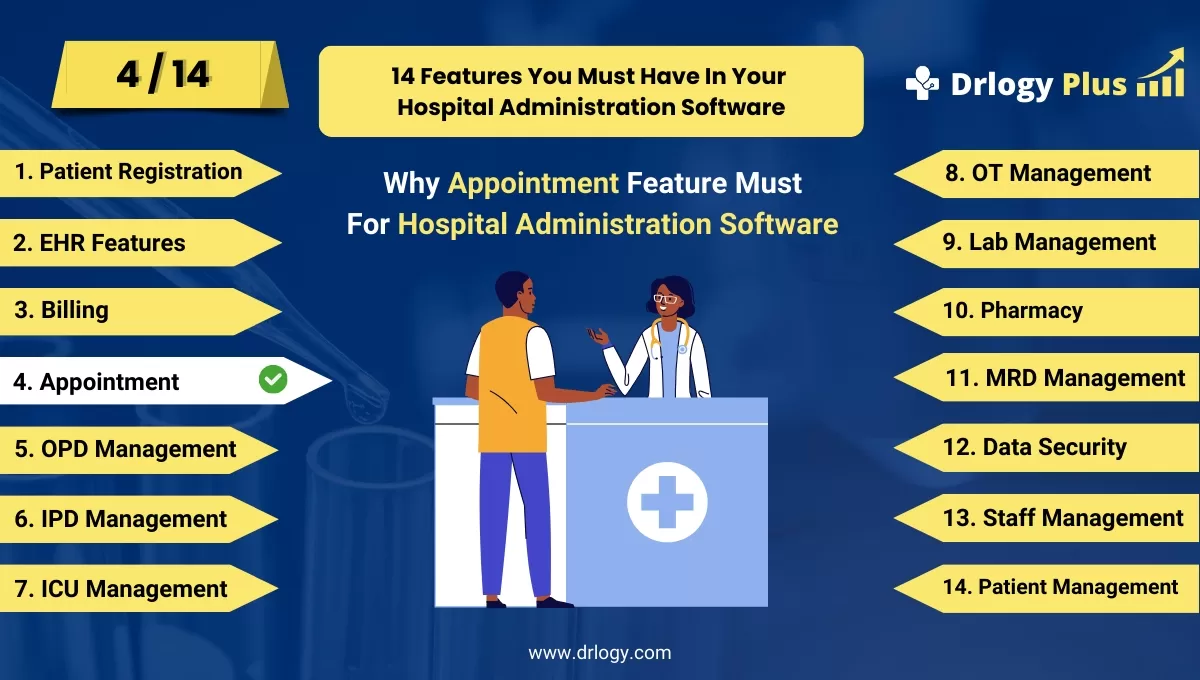
Here are 14 Steps Drlogy Hospital Administration Software Features Guide For HMIS Selection.
| 1. Patient Registration | 8. OT Management |
| 2. EHR Features | 9. Lab Management |
| 3. Billing Management | 10. Pharmacy |
| 4. Appointment | 11. MRD Management |
| 5. IPD Management | 12. Data Security |
| 6. OPD Management | 13. Staff Management |
| 7. ICU Management | 14. Patient Management |
Summary
In summary, An effective Appointment feature is key to optimizing scheduling, improving patient experience, and enhancing hospital operational efficiency.
Explore the complete 16 steps Drlogy Hospital Administration Software (HMS) guide for comprehensive insights into optimizing hospital operations and patient care.




