Drlogy
Healthcare organization
How OT Management Feature Enhances Gastroenterologist Software
In gastroenterology, various diagnostic and therapeutic procedures such as endoscopy, colonoscopy, ERCP, and laparoscopic interventions often require an Operation Theater (OT) setup.
Check:
Best Gastroenterologist Software For Oncology Clinics & Hospitals
A dedicated OT Management feature within Gastroenterologist Software ensures seamless coordination, accurate documentation, and efficient use of OT resources—ultimately improving procedural safety, team collaboration, and patient outcomes.
10 Ways OT Feature Aids Gastroenterologist Software
Here are 10 Ways OT Feature Aids Gastroenterologist Software.
1. Streamlines OT Scheduling and Planning
- Allows gastroenterologists and staff to schedule procedures in available OT slots.
- Avoids double bookings and ensures better resource allocation.
- Displays real-time OT availability for smooth coordination.
- Helps manage elective and emergency procedures efficiently.
- Improves clinic workflow planning.
Efficient OT scheduling reduces delays and maximizes procedural throughput.
2. Tracks Pre-Op and Post-Op Workflows
- Logs preoperative assessments, anesthesia checklists, and prep protocols.
- Connects post-operative monitoring with IPD or recovery rooms.
- Ensures all pre- and post-care tasks are completed on time.
- Reduces missteps in surgical or endoscopic procedures.
- Enhances overall patient safety.
Pre- and post-op tracking ensures a complete, error-free care cycle.
3. Captures Detailed Procedure Records
- Digitally records the procedure type, team members involved, tools used, and findings.
- Supports structured documentation for endoscopy, colonoscopy, ERCP, and biopsies.
- Stores photos/videos for case reviews or medico-legal purposes.
- Allows doctors to add notes during or after the procedure.
- Builds a complete clinical record.
Structured procedure documentation improves clinical accuracy and legal protection.
4. Improves OT Staff Coordination
- Assigns OT duties to nurses, anesthetists, and support staff.
- Notifies team members about scheduled procedures and patient details.
- Ensures that the right staff and equipment are ready before each procedure.
- Reduces confusion and miscommunication.
- Increases team preparedness.
Team coordination through OT management enhances efficiency and safety.
5. Links Seamlessly with EMR and Billing
- Automatically syncs OT records with the patient’s EMR.
- Captures costs for procedures, anesthesia, consumables, and equipment.
- Reduces manual billing errors and increases revenue transparency.
- Supports insurance documentation and package billing.
- Speeds up discharge and financial settlements.
Integrated OT and EMR help streamline both clinical and billing workflows.
6. Supports Inventory and Sterilization Tracking
- Tracks surgical instruments, scopes, and disposable items used.
- Monitors sterilization cycles for infection control compliance.
- Maintains inventory of OT supplies and alerts for low stock.
- Prevents equipment shortages or last-minute procedural delays.
- Ensures infection-free, efficient OT operation.
Inventory tracking ensures procedural safety and resource readiness.
7. Enhances Anesthesia Documentation and Safety
- Logs anesthesia type, dosage, duration, and observations digitally.
- Stores vitals during sedation or general anesthesia.
- Supports post-anesthesia care instructions.
- Reduces chances of complications or adverse reactions.
- Complies with medico-legal standards.
Anesthesia tracking helps maintain safety and complete patient records.
8. Improves Turnaround Time Between Procedures
- Tracks OT cleaning, prep, and patient changeovers.
- Monitors turnaround time andentifies workflow gaps.
- Enables better time utilization between back-to-back procedures.
- Reduces patient waiting for OT access.
- Enhances productivity.
Faster OT readiness improves clinic performance and patient throughput.
9. Generates OT Performance Analytics
- Provides reports on number of procedures, types, complications, and outcomes.
- Helps evaluate team efficiency andentify trends.
- Tracks cancellations, delays, and OT utilization rates.
- Assists in improving quality assurance and compliance audits.
- Supports continuous improvement.
OT analytics offer insights for better operational planning.
10. Improves Patient Experience and Trust
- Reduces delays and enhances procedural transparency.
- Allows patients to receive clear updates on procedure schedules and outcomes.
- Ensures proper documentation for insurance or referral needs.
- Builds trust through organized and professional surgical care.
- Encourages loyalty and word-of-mouth referrals.
Well-managed OT operations create confidence in your gastroenterology practice.
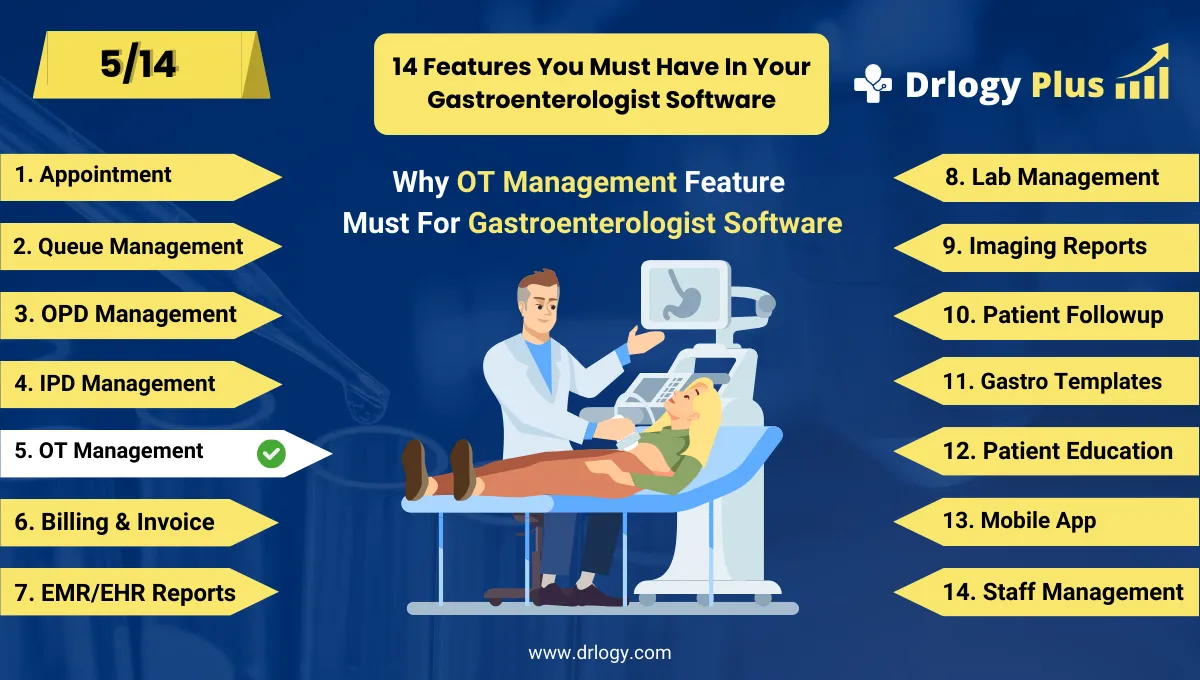
Drlogy Gastroenterologist Software Features
Here are 14 basic features for Drlogy Gastroenterologist Software.
Summary
Overall, OT Feature in Gastroenterologist Software plays a critical in managing endoscopic and surgical procedures efficiently.
Check Drlogy Gastroenterologist Software Features Guide streamline gastroenterology clinic management, improve patient flow for digestiverelated conditions, and enhance overall efficiency in gastroenterology practice.




