Drlogy
Healthcare organization
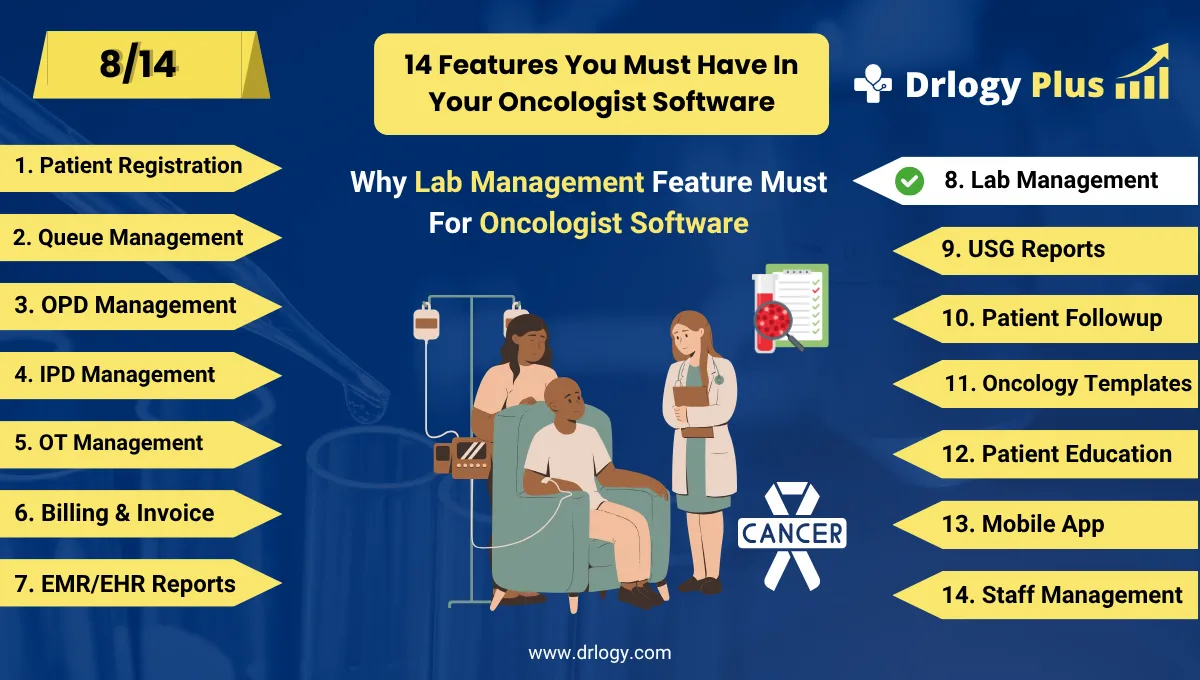
How Lab Management Feature Enhances Oncologist Software
In oncology, lab investigations are essential for diagnosis, staging, monitoring treatment response, and managing toxicity.
Check:
An integrated Lab Management feature in Oncologist Software ensures accurate, timely, and well-organized lab operations critical for safe and effective cancer care.
10 Ways Lab Feature Supports Oncologist Software
Here are 10 Ways Lab Feature Supports Oncologist Software.
1. Streamlines Test Ordering and Management
- Allows oncologists to order testsectly from the patient profile.
- Supports predefined cancer-specific panels (e.g., tumor markers, CBC, liver function).
- Automatically links orders to the patient's treatment cycle and history.
- Reduces manual errors and paperwork during test requisitions.
- Improves coordination between doctors and lab technicians.
Seamless lab ordering improves workflow efficiency and diagnostic accuracy.
2. Ensures Accurate and Standardized Reporting
- Digitally captures results for blood tests, tumor markers, and pathology reports.
- Flags abnormal values automatically for urgent review.
- Ensures consistency in report formats and terminology.
- Reduces interpretation errors across visits.
- Enhances decision-making during chemotherapy or follow-up.
Precise lab reports strengthen treatment confidence and reduce risks.
3. Supports Monitoring of Treatment Toxicity
- Tracks critical parameters like WBC, platelets, liver and kidney function.
- Alerts doctors to therapy-related adverse effects.
- Helps in modifying chemo dosage or delaying cycles safely.
- Reduces the risk of serious complications from over-treatment.
- Ensures evidence-based adjustments to therapy plans.
Monitoring lab values during treatment helps prevent toxicity and improve outcomes.
4. Aids in Cancer Diagnosis and Staging
- Manages lab investigations needed for cancer diagnosis (e.g., PSA, CA-125, AFP).
- Integrates biopsy and histopathology results into the EMR.
- Supports staging through relevant blood markers and organ function tests.
- Helps oncologists initiate treatment without delays.
- Ensures complete diagnostic data in one place.
Lab data is a key pillar in forming an accurate cancer diagnosis and stage.
5. Tracks Disease Progression or Remission
- Allows trend analysis of tumor markers over multiple visits.
- Helps monitor response to therapy or detect recurrence.
- Graphical views make interpretation easy and fast.
- Supports decisions like continuing, switching, or stopping treatment.
- Improves long-term management of cancer survivors.
Lab trend tracking enables better disease monitoring and care planning.
6. Improves Turnaround Time and Communication
- Automates sample collection status, processing, and reporting.
- Notifies doctors and patients once results are ready.
- Reduces time between test and treatment decision.
- Supports faster inpatient and outpatient cancer care.
- Enhances clinic responsiveness and patient satisfaction.
Quick lab processes lead to timely, life-saving decisions in oncology.
7. Enables Digital Sharing with Patients
- Sends lab reports via patient portal, email, or mobile app.
- Reduces the need for physical visits to collect results.
- Empowers patients to stay informed and involved.
- Improves trust and communication between doctor and patient.
- Minimizes delays in reporting and follow-up.
Digital report access improves transparency and patient engagement.
8. Supports Compliance and Accreditation Needs
- Maintains time-stamped, tamper-proof records of all lab data.
- Ensures traceability of tests and reports for audit readiness.
- Helps meet NABL, NABH, or JCI standards for oncology labs.
- Safeguards against data loss and regulatory issues.
- Builds a legally compliant and quality-driven practice.
Structured lab records ensure safety, compliance, and professional credibility.
9. Enables Custom Packages for Oncology Panels
- Allows clinics to bundle common tests like CBC + LFT + Tumor Markers.
- Streamlines ordering for specific cancers (e.g., Breast Cancer Panel).
- Reduces cost and improves consistency in test selection.
- Helps patients understand and manage their treatment budgets.
- Simplifies staff training and billing.
Custom test panels support efficiency, affordability, and patient clarity.
10. Provides Insights through Lab Analytics
- Tracks test utilization, trends, and abnormality rates.
- Helps in forecasting reagent needs and reducing wastage.
- Supports clinical audits and case studies.
- Enables improvements in cancer diagnostics.
- Contributes to research and performance optimization.
Lab analytics fuel smarter clinical, operational, and research strategies.
Drlogy Oncologist Software Features
Here are 14 basic features for Drlogy Oncologist Software.
Summary
Overall, The Lab Management feature in Oncologist Software plays a vital in accurate diagnosis, safe treatment, and long-term monitoring of cancer patients.
Check Drlogy Oncologist Software Features Guide streamline oncology clinic management, improve patient flow for cancer related conditions, and enhance overall efficiency in oncology practice for cancer patient.




