Drlogy
Healthcare organization
How Imaging Reports Empower Rheumatologist Software Diagnostics
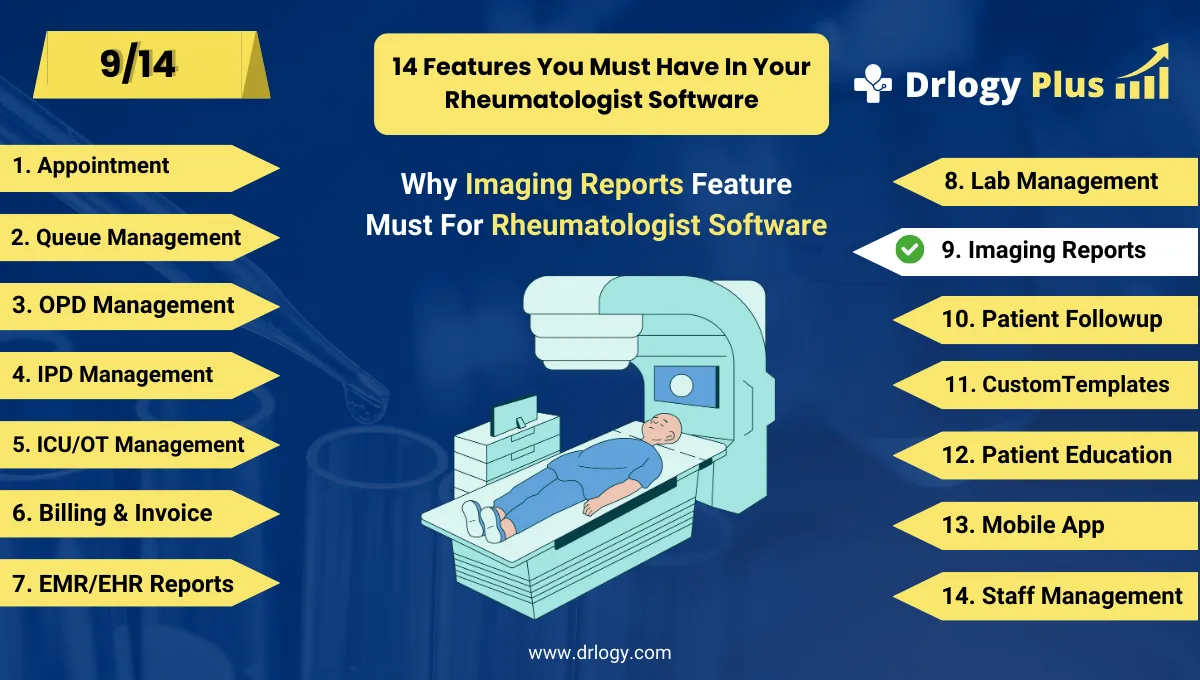
In rheumatology, imaging plays a vital in diagnosing and tracking joint damage, inflammation, and disease progression (e.g., RA, lupus, ankylosing spondylitis).
Check:
Rheumatologist Software integration of imaging reports simplifies access, enhances analysis, and supports better clinical decisions.
10 Benefits of Imaging Reports in Rheumatologist Software
Here are 10 Benefits of Imaging Reports in Rheumatologist Software.
1. Centralized Image Storage
- Upload and access X-rays, MRIs, CT scans, and ultrasoundsectly in patient records.
- Eliminate dependency on physical films or external storage.
- Maintain a complete visual history of joint or tissue conditions.
- Support paperless clinic workflows.
- Improve accessibility during consultations.
All patient images, always within reach.
2. Side-by-Side Image Comparisons
- View current and past scans together to monitor disease progression.
- Identify structural damage or healing post-treatment.
- Support visual comparison for second opinions.
- Ideal for chronic inflammatory diseases like RA and AS.
- Facilitate more informed decisions.
Compare images to track joint integrity over time.
3. Radiology Report Integration
- Attach radiologist findings alongside visual scans.
- Read interpretations without switching systems or files.
- Maintain clarity on diagnoses and recommendations.
- Save time for both physicians and staff.
- Improve communication between radiology and rheumatology.
Visual + Verbal = complete diagnostic insight.
4. Faster Diagnosis and Decision-Making
- Instant access to imaging supports quicker clinical judgments.
- Detect bone erosions, synovial thickening, or soft tissue inflammation faster.
- Begin targeted therapies without delay.
- Especially useful in acute flare or emergency settings.
- Improves patient satisfaction and trust.
Timely images lead to timely treatments.
5. Smart Tagging and Filtering
- Tag images by type (X-ray, MRI) or condition (RA, SLE).
- Quickly retrieve images for specific joints or diagnoses.
- Enhance case reviews and academic discussions.
- Save time during follow-ups or reviews.
- Better image organization.
No more sifting through hundreds of files.
6. Graphical Annotation Tools
- Highlight areas of concernectly on the image (e.g., erosion, joint space narrowing).
- Use arrows, circles, or notes for patient or peer explanation.
- Support documentation during case discussions.
- Useful in patient education and consent.
- Improve clarity in medico-legal records.
Point out the exact problem visually and accurately.
7. Patient Access to Reports
- Share images and reports digitally via email, portal, or app.
- Avoid re-visits for image collection.
- Increase transparency and engagement.
- Encourage better treatment adherence.
- Reduce admin time for staff.
Empower patients with their own imaging data.
8. Trend Visualization
- Display joint damage or inflammation progression graphically over time.
- Help patients visualize improvement or worsening.
- Aid in modifying treatment plans confidently.
- Ideal for long-term monitoring.
- Backed by real image data.
Track healing or damage with visuals, not just symptoms.
9. Integration with PACS and Imaging Centers
- Automatically import images from PACS systems or connected radiology labs.
- Reduce manual uploads or CD-based transfer.
- Ensure faster data syncing.
- Improve efficiency in multi-location practices.
- Enable remote or teleconsult support.
Faster imaging sync = smoother clinic operations.
10. Improved Documentation and Compliance
- Maintain a complete visual medical record for each patient.
- Comply with insurance, legal, and clinical audit standards.
- Use imaging for medical claims, research, or publication.
- Provide thorough evidence in medico-legal situations.
- Supports robust documentation.
Strong imaging records build stronger medical credibility
Drlogy Rheumatologist Software Features
Here are 14 basic features for Drlogy Rheumatologist Software.
Summary
Overall, Imaging report integration in rheumatologist software enhances diagnosis, documentation, patient education, and long-term monitoring making it an indispensable feature for high-quality care and efficient practice.
Check Drlogy Rheumatologist Software Features Guide helps in Rheumatology clinic management, improve managing chronic pain, joint care, and autoimmune treatment and enhance overall efficiency in Rheumatology practice.




