Drlogy
Healthcare organization
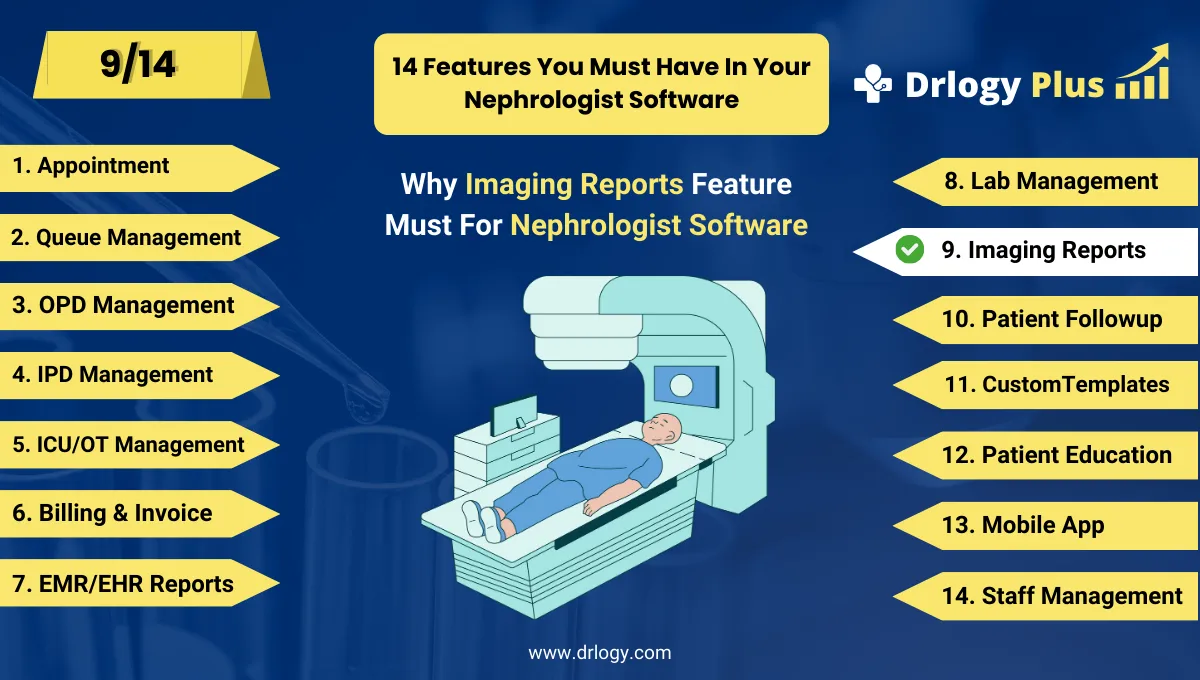
How Imaging Reports Support Better Diagnosis in Nephrologist Software
Imaging studies—like renal ultrasounds, CT scans, or doppler studies—are essential in nephrology for diagnosing structural abnormalities, cysts, kidney size, and blood flow.
Check:
Best Nephrologist Software For Nephrology Clinics & Hospitals
A smart Imaging Report feature in nephrology software streamlines how nephrologists access, store, and act on these visuals.
10 Imaging Report Feature Benefits in Nephrologist Software
Here are 10 Imaging Report Feature Benefits in Nephrologist Software.
1. Centralized Image & Report Storage
- Stores all ultrasound, X-ray, CT, and MRI results in one place.
- Easily searchable by patient, date, or test type.
- Helps nephrologists track kidney morphology over time.
- No more dependency on paper scans or physical copies.
- Increases accessibility from OPD, IPD, or remote locations.
One-click access to every scan—past or present.
2. Direct Integration with PACS & Radiology Devices
- Syncs with Picture Archiving & Communication Systems (PACS).
- Supports DICOM imaging for high-quality previews.
- Eliminates manual uploads or CD transfers.
- Enables nephrologists to review images within the same software.
- Speeds up report turnaround time.
From machine to monitor—zero delay.
3. Visual Reference for Disease Monitoring
- Compare kidney size, cyst progression, or hydronephrosis grade side-by-side.
- Ideal for chronic kidney disease (CKD) or transplant evaluations.
- Graphical timeline shows when major changes occurred.
- Enhances decision-making accuracy.
See disease progression unfold visually.
4. Automatic Flagging of Abnormal Findings
- Software can tag key abnormal findings: small kidneys, scarring, stones, obstruction.
- Option to auto-highlight reports needing immediate attention.
- Saves review time for busy nephrologists.
- Ensures no critical imaging is missed.
Smart filtering for smarter diagnosis.
5. Radiologist-Nephrologist Collaboration Tools
- Internal messaging/chat to discuss scansectly with radiologists.
- Attach notes or questions to specific images.
- Speeds up collaborative care.
- Reduces phone/email delays.
- Helps document decisions in EMR.
Discuss scans without leaving your screen.
6. Custom Imaging Templates for Renal Studies
- Pre-defined report formats for renal USG, CT-KUB, or renal doppler.
- Structured findings, impression, and measurement sections.
- Speeds up report generation.
- Ensures consistency across imaging centers or technicians.
- Useful for multi-location clinics.
Standardized renal imaging—made fast.
7. Secure Sharing with Patients & Referrals
- Share imaging reports via WhatsApp, SMS, email, or patient app.
- Sends PDF with embedded images and interpretations.
- Patients can share easily with other specialists (e.g., urologist).
- Increases transparency and trust.
Make patients part of the imaging loop.
8. Imaging + Lab Fusion for Diagnostic Clarity
- View lab reports (e.g., eGFR, creatinine) alongside imaging data.
- Provides holistic patient view during consults.
- Example: declining GFR + shrinking kidney size → CKD progression.
- Aids in early interventions or dialysis planning.
Data + images = full picture of renal health.
9. Billing Integration for Imaging Services
- Automatically adds imaging charges to patient bill.
- Supports both in-house and referred imaging billing.
- Prevents revenue leakage.
- Tracks profitability of imaging services.
- Integrates with insurance/tariff systems.
Imaging and income—efficiently linked.
10. Analytics for Imaging Utilization
- Track how many scans done per modality (USG, CT, etc.).
- Identify common findings (e.g., renal atrophy, calculi).
- Useful for clinical audits, planning, and NABH compliance.
- Supports research or treatment strategy revisions.
Use imaging data to improve service quality.
Drlogy Nephrologist Software Features
Here are 14 basic features for Drlogy Nephrologist Software.
Summary
Overall, The Imaging Report feature in nephrologist software transforms how renal images are managed, analyzed, and shared. It improves clinical accuracy, speeds decision-making, and boosts patient engagement—making it essential for modern nephrology practices.
Check Drlogy Nephrologist Software Features Guide streamline nephrology clinic management, improve managing kidny patient, and enhance overall efficiency in nephrology clinic practice.




