Drlogy
Healthcare organization
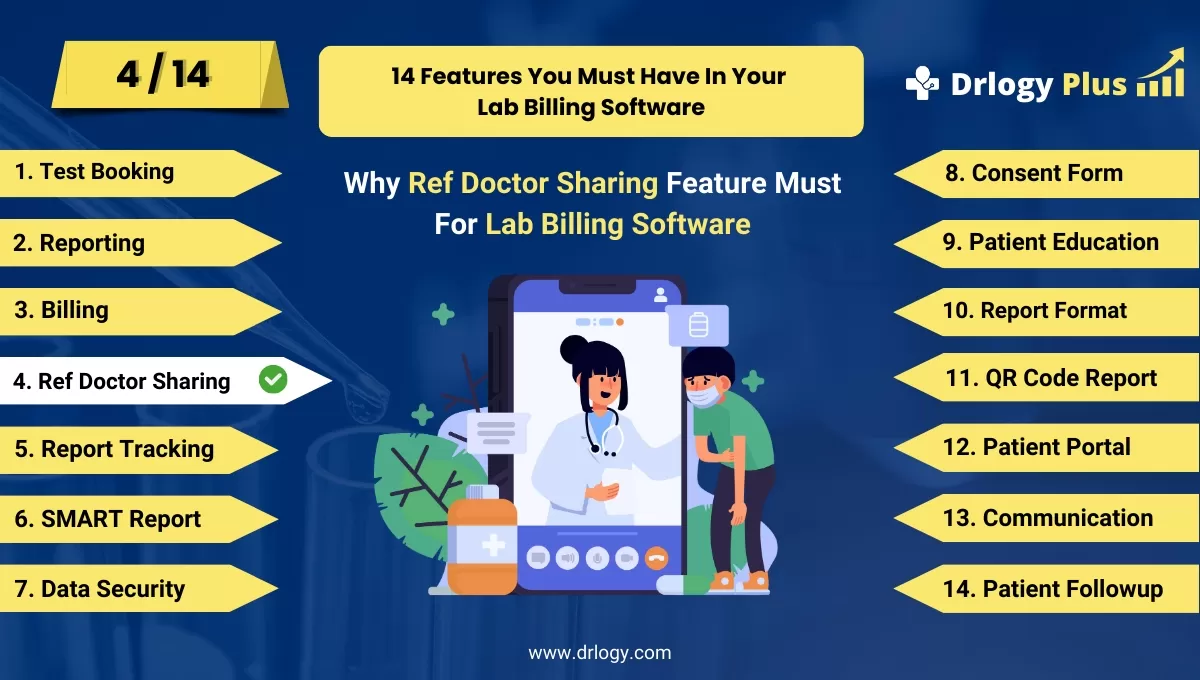
Why Ref Doctor Sharing Feature Must For USG Reporting Software
A Referring Doctor Sharing feature in USG reporting software enhances collaboration between healthcare providers by enabling seamless sharing of diagnostic reports and patient data.
Check
This feature promotes accurate diagnoses, streamlined communication, and better patient care coordination.
10 Reasons Why Ref Doctor Sharing Feature Must For USG Reporting Software
Here are 10 Reasons Why Ref Doctor Sharing Feature Must For USG Reporting Software.
1. Improves Communication Between Providers
- Facilitates instant sharing of USG reports with referring doctors.
- Eliminates delays caused by manual delivery methods.
- Ensures that referring doctors have real-time access to critical patient data.
- Reduces miscommunication by providing standardized reports.
- Enhances collaboration for comprehensive patient management.
2. Speeds Up Diagnosis and Treatment
- Enables referring doctors to review USG results immediately after generation.
- Reduces the waiting time for diagnosis and treatment decisions.
- Helps prioritize urgent cases with instant report sharing.
- Improves patient outcomes by accelerating the treatment process.
- Supports better time management for healthcare providers.
3. Enhances Patient Referral Workflow
- Streamlines the process of referring patients between specialists.
- Links shared reports with patient profiles for better context.
- Reduces administrative work involved in physical document transfers.
- Ensures all stakeholders have access to consistent and accurate information.
- Builds a strong network of collaboration among medical professionals.
4. Provides Secure Data Sharing
- Encrypts sensitive patient data during report transmission.
- Ensures compliance with healthcare data protection regulations.
- Tracks and logs all shared reports for accountability.
- Prevents unauthorized access with secure sharing protocols.
- Instills confidence in patients regarding their data privacy.
5. Supports Multi-Channel Sharing
- Allows reports to be shared via email, secure links, or integrated portals.
- Enables doctors to access reports on mobile apps, desktops, or tablets.
- Provides flexibility for referring doctors to choose their preferred medium.
- Enhances accessibility for remote or busy practitioners.
- Simplifies the sharing process for clinics and hospitals.
6. Reduces Redundancy in Diagnostic Testing
- Provides referring doctors with instant access to previous reports.
- Avoids repeated diagnostic procedures for the same condition.
- Saves costs for patients by reducing unnecessary tests.
- Promotes efficient use of diagnostic resources.
- Enhances patient satisfaction with streamlined care.
7. Increases Referring Doctor Satisfaction
- Simplifies the process of accessing patient reports.
- Saves time for referring doctors by providing ready-to-view reports.
- Improves their ability to make informed clinical decisions.
- Builds stronger professional relationships between diagnostic centers and doctors.
- Encourages ongoing referrals and collaboration.
8. Customizes Reports for Referring Doctors
- Allows reports to be tailored to the preferences of specific doctors.
- Highlights critical findings or insights for easy reference.
- Includes additional notes or annotations as requested.
- Ensures clarity and relevance for each individual recipient.
- Makes reports more user-friendly for specialized practitioners.
9. Supports Multi-Specialty Referrals
- Facilitates report sharing across various medical specialties.
- Ensures seamless communication between radiologists, general practitioners, and specialists.
- Promotes interdisciplinary collaboration for complex cases.
- Aligns diagnostic data with the needs of diverse medical fields.
- Enhances the overall quality of patient care through teamwork.
10. Boosts Diagnostic Center Reputation
- Demonstrates professionalism and efficiency in report management.
- Attracts more referrals by offering advanced sharing capabilities.
- Builds trust among referring doctors and their patients.
- Positions the diagnostic center as a technology-driven healthcare provider.
- Enhances brand value through superior service quality.
Drlogy USG Reporting Software Buying Guide
Here are 14 steps guide for Drlogy USG Reporting Software.
| 1. Patient Reporting | 8. Mobile App |
| 2. Report Format | 9. Patient Portal |
| 3. Data Security | 10. Customer Service |
| 4. Form F | 11. Online Scheduling |
| 5. Consent Form | 12. Report Tracking |
| 6. Ref Doctor Sharing | 13. Investigation |
| 7. Billing | 14. Budget and ROI |
Summary
Overall, The Referring Doctor Sharing feature in USG reporting software is crucial for promoting collaboration, improving diagnostic workflows, and delivering faster, more accurate patient care.
Explore the complete 14 steps Drlogy Sonography or USG Reporting Software Features guide for comprehensive insights into optimizing hospital operations and patient care.




