Drlogy
Healthcare organization
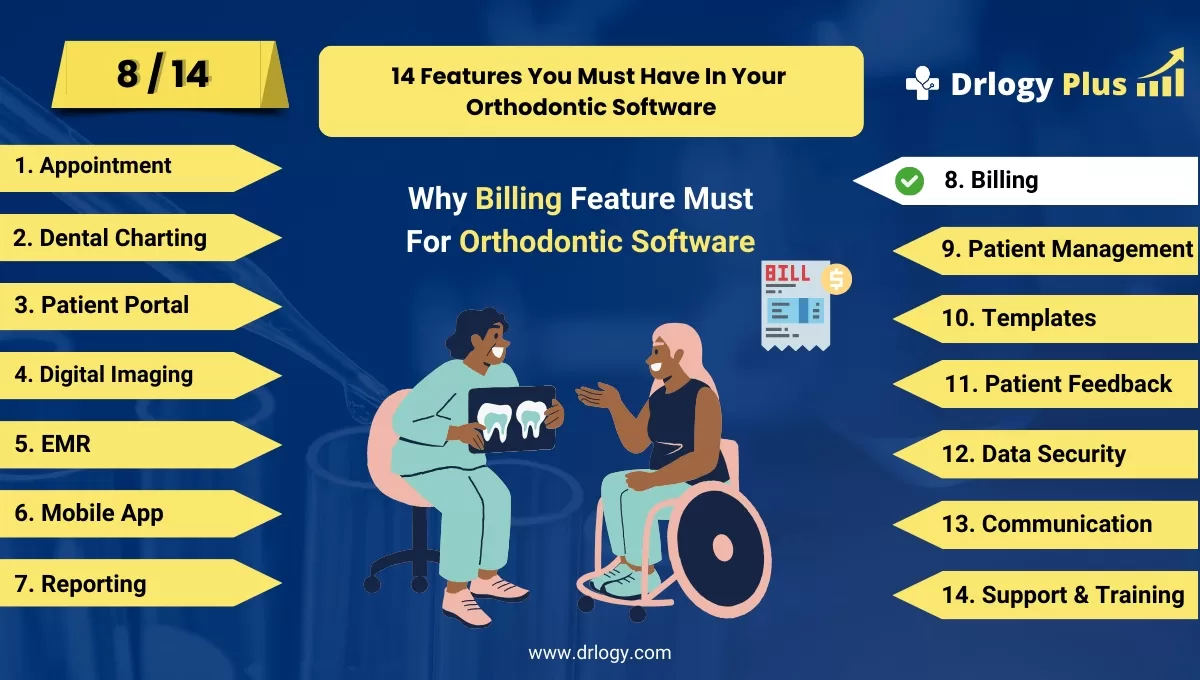
Why Billing Feature Must In Orthodontic Software
Efficient billing features in orthodontic software are crucial for managing clinic finances and improving the patient payment experience.
Check:
These features streamline billing processes, reduce errors, and ensure timely payments, ultimately enhancing both financial performance and patient satisfaction.
10 Best Billing Features for Orthodontic Software
Check 10 Best Billing Features for Orthodontic Software.
1. Customizable Invoices
- Generate detailed invoices that include specific services and treatment charges.
- Customize the layout and format to match the clinic’s branding.
- Include patient details, treatment descriptions, and payment terms.
- Offer flexibility in adding discounts, taxes, and other adjustments.
- Provide easy access to past invoices for both clinic staff and patients.
2. Automated Billing
- Set up recurring billing for patients on long-term treatment plans.
- Automate bill generation based on completed procedures.
- Ensure timely billing without manual intervention, reducing errors.
- Send invoices automatically via email or patient portal.
- Simplify billing workflows for faster financial transactions.
3. Payment Tracking
- Track all payments received, pending, and overdue in real time.
- Provide a clear view of patient payment history for better financial management.
- Generate reports on outstanding balances and overdue accounts.
- Enable reminders for unpaid bills or approaching due dates.
- Keep both clinic staff and patients informed of payment statuses.
4. Multiple Payment Methods
- Offer patients multiple options, including credit cards, bank transfers, and digital wallets.
- Simplify payments by integrating payment gatewaysectly into the software.
- Ensure secure transactions with encrypted payment processing.
- Reduce payment delays by offering convenient methods for patients.
- Improve patient satisfaction with flexible payment options.
5. Insurance Claim Management
- Track patient insurance information and streamline claims submission.
- Automatically generate and submit insurance claims after services are provided.
- Ensure accurate coding and claim data to minimize denials.
- Monitor claim statuses and payment progress within the software.
- Provide detailed claim reports to keep the clinic’s insurance billing on track.
6. Patient Payment Plans
- Offer patients flexible payment plans for expensive orthodontic treatments.
- Automatically schedule recurring payments based on the agreed plan.
- Track installment payments and outstanding balances.
- Ensure patients are informed of their payment schedules and dues.
- Enhance accessibility to treatments by reducing upfront financial burdens.
7. Integrated Cost Estimation
- Provide patients with upfront cost estimates for treatments before they begin.
- Include detailed breakdowns of each procedure, material costs, and fees.
- Customize estimates based on insurance coverage or discounts.
- Ensure transparency, helping patients understand their financial commitment.
- Improve patient trust by offering accurate cost predictions.
8. Real-Time Billing Insights
- Provide clinic staff with real-time insights into financial performance.
- Generate reports on revenue, expenses, and profit margins.
- Track key metrics like average treatment cost and patient payment timelines.
- Monitor billing trends to optimize the clinic’s financial management.
- Make decisions to improve financial health.
9. Mobile Billing Access
- Allow patients to view and pay bills through a mobile app or patient portal.
- Ensure on-the-go access for patients to manage their payments.
- Send notifications and reminders for upcoming payments via mobile.
- Offer a seamless mobile experience to enhance convenience.
- Simplify financial management for both patients and the clinic.
10. Billing Reports
- Generate detailed billing reports to track clinic revenue and financial health.
- Break down reports by service type, patient category, or date range.
- Analyze billing trends andentify areas for improvement.
- Help clinic administrators manage cash flow and financial planning.
- Ensure transparency with regular reporting on billing operations.
Drlogy Orthodontic Software Features Guide
Here's a full guide for the 14 best Orthodontic Software features.
| 1. Appointment | 8. Billing |
| 2. Dental Charting | 9. Patient Management |
| 3. Patient Portal | 10. Customizable Templates |
| 4. Digital Imaging | 11. Patient Feedback |
| 5. EMR | 12. Data Security |
| 6. Mobile App | 13. Communication & Sharing |
| 7. Reporting | 14. Support & Training |
Summary
Overall, These billing features help orthodontic clinics streamline financial operations, improve payment efficiency, and offer a smoother billing experience for patients, contributing to better clinic management.
Check Drlogy Orthodontic Software Features Guide for offers comprehensive efficient patient management in dental practice management.




