Drlogy
Healthcare organization
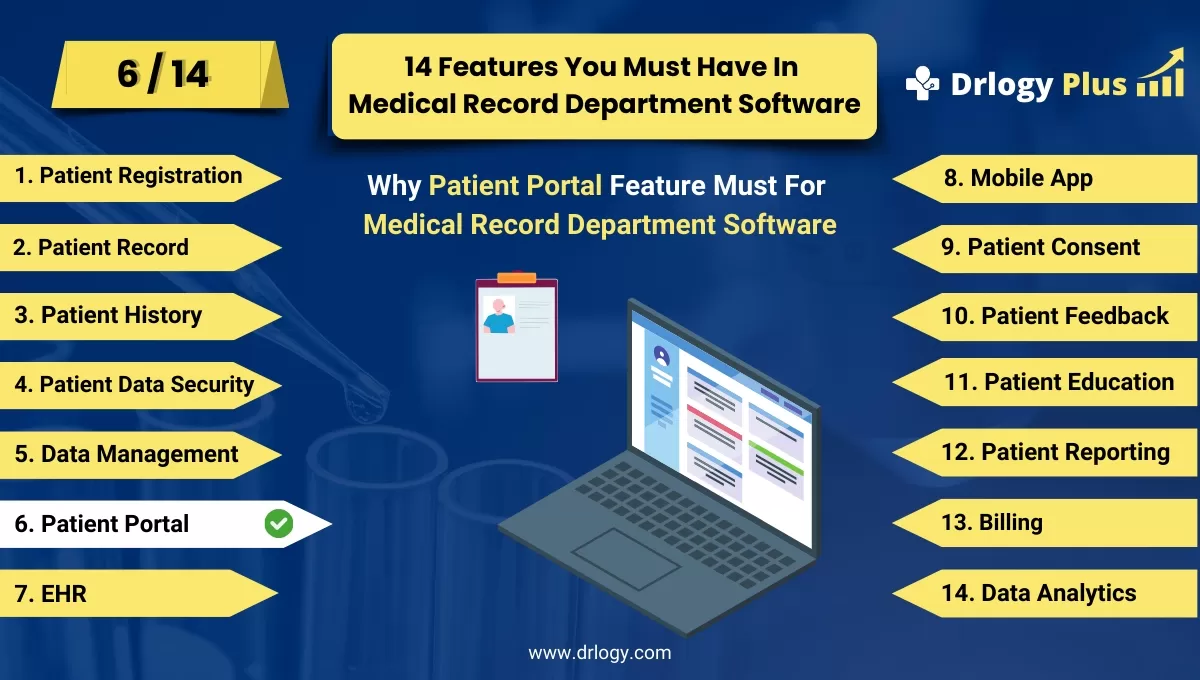
Why Patient Portal Feature Must In Medical Record Department Software
Patient portals are an integral part of modern medical record software, bridging the gap between healthcare providers and patients.
Check:
They empower patients with convenient, secure access to their health information and services, enhancing engagement and satisfaction.
Check:
10 Best Patient Portal Features for Medical Record Department Software
Check 10 Best Patient Portal Features for Medical Record Department Software.
1. Secure Patient Login and Authentication
- Offer multi-factor authentication to protect sensitive patient information.
- Allow personalized login credentials for easy access.
- Provide password recovery options for enhanced user convenience.
- Ensure compliance with privacy standards like HIPAA to safeguard data.
- Enable auto-logout features to prevent unauthorized access.
2. Access to Medical Records
- Allow patients to view their medical history, lab reports, and prescriptions.
- Provide downloadable copies of health records for personal use.
- Ensure real-time updates of newly added records or results.
- Include secure sharing options for third-party consultations.
- Offer multilingual support to cater to diverse patient demographics.
3. Appointment Scheduling and Management
- Enable patients to book, reschedule, or cancel appointments online.
- Display available time slots to minimize scheduling conflicts.
- Send automated reminders via SMS or email to reduce no-shows.
- Provide integration with the hospital's scheduling system for synchronization.
- Allow patients to view and manage their appointment history.
4. Online Bill Payments and Statements
- Facilitate secure payment gateways for easy transaction processing.
- Provide detailed billing statements and payment history.
- Allow partial or installment payments based on patient needs.
- Send reminders for upcoming or overdue payments.
- Ensure encryption of financial data for enhanced security.
5. Messaging and Communication
- Enableect communication with healthcare providers through secure messaging.
- Allow patients to ask questions, share concerns, or request clarifications.
- Support multimedia uploads for sharing images or reports with doctors.
- Notify patients of responses or updates via email or SMS.
- Maintain a history of conversations for future reference.
6. Health Education and Resources
- Provide access to personalized health tips and articles.
- Include videos, brochures, or guides on managing specific conditions.
- Offer reminders for preventive care, such as vaccinations or screenings.
- Enable patients to search for resources based on their health needs.
- Regularly update content to include the latest medical insights.
7. Prescription Refills and Management
- Allow patients to request prescription refillsectly from the portal.
- Notify patients when prescriptions are ready for pickup or delivery.
- Display a history of past prescriptions for reference.
- Provide alerts for prescription expiry or renewal needs.
- Enable integration with pharmacies for seamless processing.
8. Test Results and Reports Access
- Notify patients when test results are uploaded to the portal.
- Allow detailed viewing and downloading of diagnostic reports.
- Include explanations of results to aid patient understanding.
- Provide alerts for abnormal findings that require urgent attention.
- Enable secure sharing of reports with specialists or family members.
9. Mobile App Accessibility
- Offer a mobile-friendly interface for convenient on-the-go access.
- Ensure full functionality, including appointments, records, and payments.
- Support offline access with automatic syncing upon reconnection.
- Provide push notifications for reminders, updates, or new messages.
- Ensure compatibility with both Android and iOS platforms.
10. Feedback and Surveys
- Allow patients to share their feedback on services and care quality.
- Provide customizable survey templates for gathering insights.
- Use feedback toentify areas for improvement in patient care.
- Display response trends through analytics for better decision-making.
- Offer rewards or acknowledgments for participation to encourage engagement.
Drlogy Medical Record Department Software Features Guide
Check the Top 14 features of Medical Record Department Software Your Hospital Should Have.
Summary
Overall, A well-designed patient portal ensures better communication, seamless access to medical records, and overall enhanced patient experience, transforming the way healthcare is delivered.
Check Drlogy Medical Record Department Software Features Guide for efficient inpatient management and enhanced patient care for your clinics and hospitals for patient management.




