Drlogy
Healthcare organization
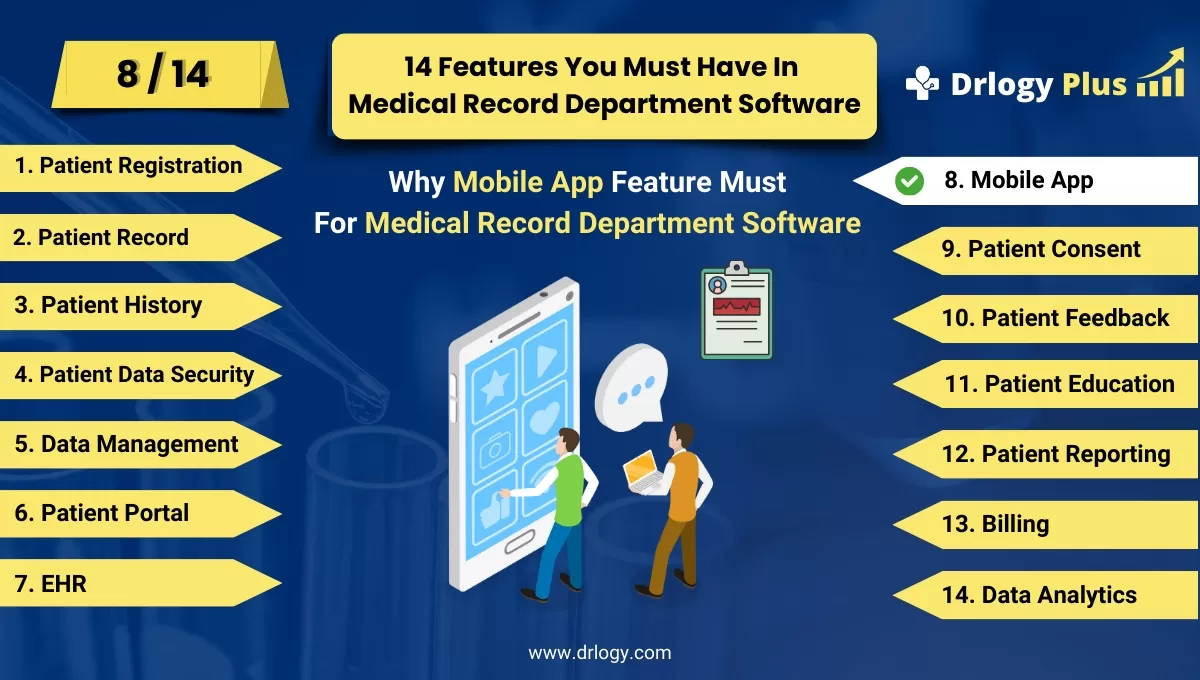
Why Mobile App Feature Must In Medical Record Department Software
A mobile app for medical record department software bridges the gap between patients and providers, offering quick and secure access to health information.
Check:
These features enhance convenience, improve engagement, and ensure better care delivery.
Check:
10 Best Mobile App Features for Medical Record Department Software
Check 10 Best Mobile App Features for Medical Record Department Software.
1. Secure Login and Authentication
- Use multi-factor authentication for enhanced data security.
- Allow biometric login options like fingerprint or facial recognition.
- Enable automatic logout after a period of inactivity.
- Support secure password recovery for user convenience.
- Ensure compliance with HIPAA and other privacy regulations.
2. Access to Medical Records
- Allow patients and providers to view detailed medical records on the go.
- Include real-time updates for newly added data like lab reports or diagnoses.
- Provide options to download records for offline access.
- Ensure easy navigation with a user-friendly interface.
- Offer customizable views to focus on relevant information.
3. Appointment Scheduling and Reminders
- Enable users to book, reschedule, or cancel appointmentsectly from the app.
- Display real-time availability of healthcare providers.
- Send automated reminders for upcoming appointments to reduce no-shows.
- Include location maps andections to the healthcare facility.
- Allow integration with calendar apps for seamless scheduling.
4. Push Notifications and Alerts
- Notify users of upcoming appointments, lab results, or prescription refills.
- Provide alerts for abnormal test results requiring immediate attention.
- Include reminders for follow-ups, vaccinations, or health checks.
- Allow customizable notification settings to suit user preferences.
- Ensure notifications are encrypted to maintain privacy.
5. Telehealth and Virtual Consultations
- Offer video and audio consultation options within the app.
- Provide secure communication channels for doctor-patient interactions.
- Allow document and image uploads for better diagnosis during consultations.
- Include virtual waiting rooms with estimated wait times.
- Support multi-party calls for family consultations or specialist input.
6. e-Prescriptions and Medication Management
- Enable patients to view and manage their prescriptions.
- Provide options to request refillsectly through the app.
- Send reminders for medication intake to enhance adherence.
- Allow integration with pharmacies for quick prescription fulfillment.
- Include alerts for drug interactions or contraindications.
7. Health Tracking and Monitoring
- Integrate with wearable devices to track vital signs like heart rate and steps.
- Allow users to log daily health metrics like blood pressure and glucose levels.
- Provide visualizations of health trends for easy understanding.
- Include reminders for routine health checks or tests.
- Enable data sharing with healthcare providers for better monitoring.
8. Data Analytics and Reports
- Provide patients and providers with detailed health reports.
- Include graphical representations for easier comprehension of health metrics.
- Enable custom reporting based on specific health parameters.
- Allow exporting reports for sharing with other healthcare professionals.
- Provide insights into patient progress over time.
9. Offline Access and Syncing
- Allow users to access essential data like records and prescriptions offline.
- Ensure seamless syncing of updates once connected to the internet.
- Provide download options for critical documents like lab reports.
- Include offline scheduling features with confirmation upon reconnection.
- Maintain data encryption even during offline usage.
10. Multilingual and Accessibility Features
- Offer support for multipleuages to cater to diverse users.
- Include text-to-speech for visually impaired users.
- Provide adjustable font sizes and high-contrast modes for better visibility.
- Ensure compatibility with screen readers and other assistive technologies.
- Include simple, intuitive navigation for users with limited technical skills.
Drlogy Medical Record Department Software Features Guide
Check the Top 14 features of Medical Record Department Software Your Hospital Should Have.
Summary
Overall, Equipping medical record department mobile apps with these features ensures seamless healthcare experiences for both providers and patients, fostering greater efficiency and satisfaction.
Check Drlogy Medical Record Department Software Features Guide for efficient inpatient management and enhanced patient care for your clinics and hospitals for patient management.




