Drlogy
Healthcare organization
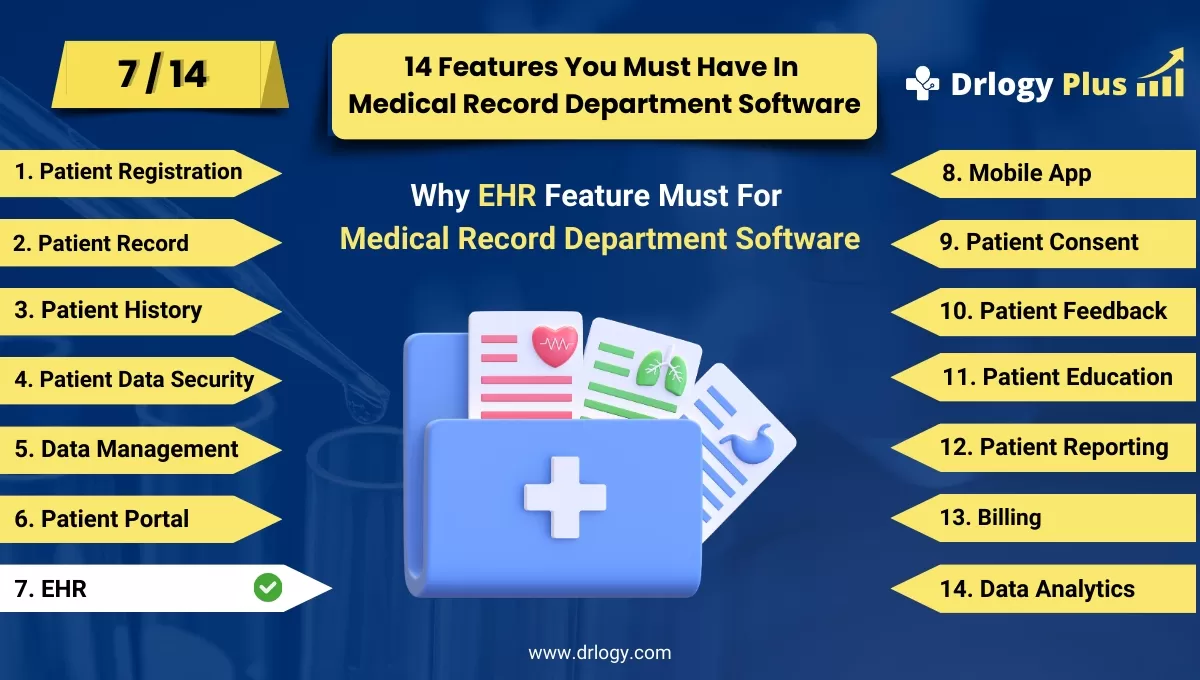
Why EHR Feature Must In Medical Record Department Software
Electronic Health Records (EHR) software is the cornerstone of modern healthcare, centralizing patient data for streamlined workflows and enhanced care quality.
Check:
These features not only improve efficiency but also ensure compliance and data security.
Check:
10 Best EHR Features for Medical Record Department Software
Check 10 Best EHR Features for Medical Record Department Software.
1. Comprehensive Patient Data Management
- Record and manage complete patient profiles, including demographics, medical history, and allergies.
- Store detailed clinical notes and diagnosis information.
- Integrate imaging reports, lab results, and prescriptions into a unified record.
- Support multi-specialty templates to accommodate diverse healthcare needs.
- Ensure real-time updates for the most accurate patient information.
2. Interoperability and Integration
- Seamlessly integrate with other healthcare systems like labs, pharmacies, and radiology.
- Ensure interoperability standards such as HL7 and FHIR are met.
- Enable secure data sharing across multiple providers and institutions.
- Synchronize data with wearable health devices for continuous monitoring.
- Provide APIs for custom integrations with third-party tools.
3. Customizable Dashboards
- Offer personalized dashboards for quick access to frequently used tools.
- Display vital patient statistics and alerts at a glance.
- Include dynamic widgets for tracking key metrics like appointments and billing.
- Enable customization for different users (e.g., doctors, nurses, administrators).
- Support mobile-responsive designs for access on any device.
4. Clinical Decision Support (CDS) Tools
- Provide evidence-based recommendations for diagnosis and treatment.
- Alert providers about potential drug interactions or contraindications.
- Include predictive analytics for earlyentification of at-risk patients.
- Integrate with medical guidelines and protocols for standardized care.
- Highlight abnormal test results to prompt immediate attention.
5. e-Prescribing and Medication Management
- Allow providers to generate and send electronic prescriptions to pharmacies.
- Maintain an updated database of medications and dosages.
- Alert for potential drug interactions or allergies during prescription creation.
- Provide refill management and patient reminders for medication adherence.
- Support barcode scanning for accurate dispensing of medications.
6. Appointment Scheduling and Management
- Enable real-time scheduling with availability visualization for providers.
- Offer patient self-scheduling through integrated patient portals.
- Send automated reminders for upcoming appointments to reduce no-shows.
- Support recurring appointment setups for long-term treatment plans.
- Include waitlist management to fill canceled slots efficiently.
7. Data Analytics and Reporting
- Generate detailed reports on patient outcomes, operational efficiency, and financial performance.
- Include predictive analytics forentifying trends and improving care delivery.
- Provide visualizations like charts and graphs for actionable insights.
- Support customizable templates for various reporting needs.
- Enable scheduled reporting to keep stakeholders informed automatically.
8. Mobile and Remote Access
- Offer a mobile-friendly interface or dedicated app for on-the-go access.
- Ensure secure logins with multi-factor authentication for remote users.
- Allow providers to update patient notes, view records, and approve prescriptions from anywhere.
- Include offline mode with automatic syncing upon internet connection.
- Support telehealth features for remote consultations and monitoring.
9. Role-Based Access Control (RBAC)
- Assign user-specific permissions to access, edit, or manage data.
- Restrict access to sensitive records based on staffs.
- Provide audit trails to monitor user activities and ensure accountability.
- Offer granular controls for managing access at the record or module level.
- Ensure compliance with legal and regulatory requirements for data security.
10. Secure Data Backup and Disaster Recovery
- Implement automated backup schedules to prevent data loss.
- Store backups in secure, encrypted formats for maximum safety.
- Offer cloud-based or hybrid storage solutions for flexibility.
- Ensure quick recovery options to minimize downtime during emergencies.
- Conduct routine integrity checks to confirm data reliability and security.
Drlogy Medical Record Department Software Features Guide
Check the Top 14 features of Medical Record Department Software Your Hospital Should Have.
Summary
Overall, Integrating these 10 features into an EHR system transforms it into a comprehensive tool for better healthcare delivery, enhanced decision-making, and improved patient outcomes.
Check Drlogy Medical Record Department Software Features Guide for efficient inpatient management and enhanced patient care for your clinics and hospitals for patient management.




