Drlogy
Healthcare organization
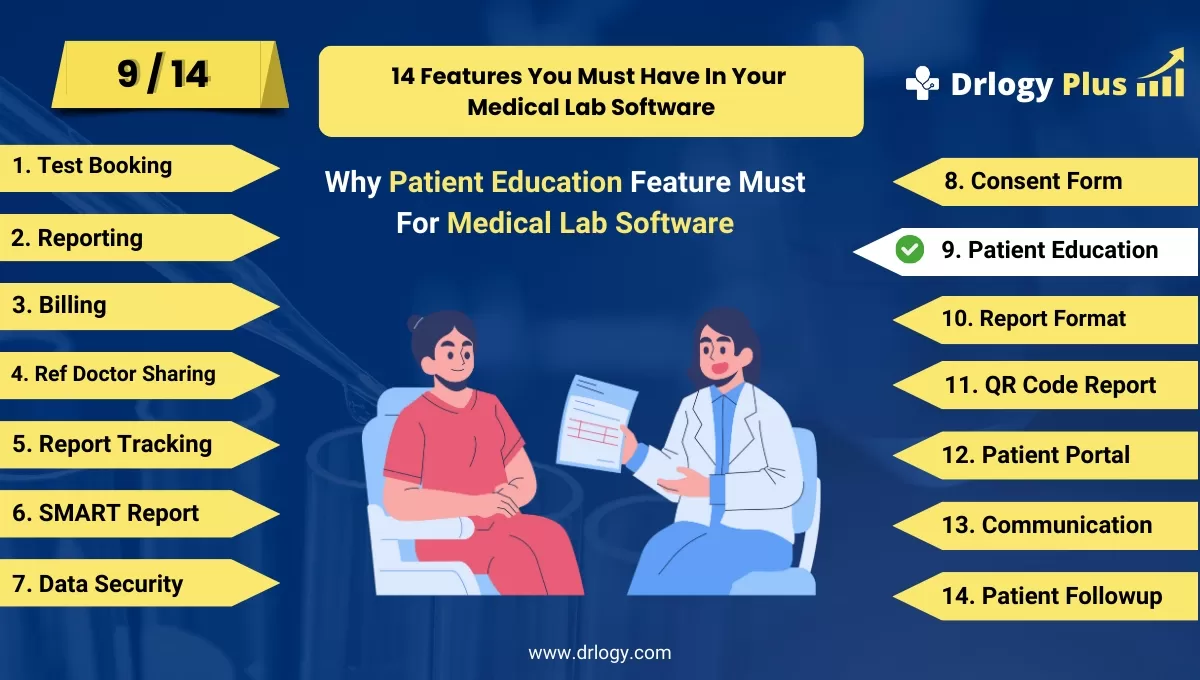
Why Patient Education Feature Must For Medical Lab Software
Patient education features in medical lab software are essential for improving patient understanding, engagement, and proactive health management.
Check
By providing clear, accessible information, these features empower patients to make informed decisions about their healthcare, leading to better outcomes and stronger patient-provider relationships.
10 Best Patient Education Features For Medical Lab Software
Here are 10 Best Patient Education features For Medical Lab Software.
1. Clear and Detailed Test Result Explanations
- Provide layman-friendly summaries of test results to help patients understand complex medical terms.
- Include reference ranges to show normal vs. abnormal results.
- Explain the implications of the results for patient health and treatment.
- Use visual aids like graphs or charts to show test trends over time.
- Offer actionable advice based on results (e.g., lifestyle changes or further tests).
2. Patient-Friendly Report Formats
- Simplify medical jargon into easy-to-understanduage for patients.
- Organize reports in a logical, step-by-step structure for clarity.
- Highlight key findings or critical results in a clear manner.
- Use icons and visual cues to make reports more engaging.
- Allow patients to view their results in multipleuages.
3. Educational Content Resources
- Integrate content explaining common lab tests and procedures.
- Offer condition-specific educational content to provide context for lab results.
- Include instructional content on how to prepare for certain tests (e.g., fasting).
- Feature expert doctors explaining the relevance of specific test outcomes.
- Ensure content are mobile-friendly and accessible across platforms.
4. FAQs and Glossaries for Common Lab Terms
- Provide an easy-to-navigate glossary of common medical and laboratory terms.
- Include a Frequently Asked Questions (FAQ) section for common patient queries about lab tests.
- Offer explanations for terms like “CBC,” “biomarkers,” or “lipid profile.”
- Continuously update the glossary and FAQ section based on patient inquiries.
- Ensure glossary content is searchable within the software.
5. Interactive Lab Test Trackers
- Allow patients to track the progress of their tests from sample collection to result delivery.
- Offer real-time updates on the status of their tests (e.g., "In Process," "Completed").
- Provide notifications when results are ready to view.
- Include a historical view where patients can compare results from previous tests.
- Send alerts for any critical or urgent results.
6. Personalized Health Insights
- Offer health advice based on individual test results, tailored to the patient’s specific condition.
- Provide recommendations for lifestyle changes (diet, exercise) based on lab findings.
- Suggest further tests or medical consultations when necessary.
- Incorporate AI tools to analyze trends and provide predictive health insights.
- Include easy-to-understand action steps for patients to take following abnormal results.
7. Test Preparation Guides
- Offer detailed instructions on how patients should prepare for various lab tests (e.g., fasting, hydration).
- Include guidelines on medications to avoid before specific tests.
- Provide reminders about pre-test protocols via email or SMS.
- Allow patients to view test preparation guides through the patient portal.
- Offer preparation instructions in multipleuages to cater to a diverse patient base.
8. 24/7 Access to Results and Reports
- Enable patients to securely access their lab reports anytime, from any device.
- Offer download options for personal records or sharing with healthcare providers.
- Provide a cloud-based platform for long-term storage and easy retrieval of historical results.
- Ensure strong data security measures (encryption, multi-factor authentication) for patient confidentiality.
- Offer access to detailed interpretation guides alongside the results for better understanding.
9. Health History and Test Management
- Provide a feature where patients can view their full health and test history.
- Allow easy comparison between current and past test results to track health trends.
- Offer visualization tools like graphs or charts for patients to see changes in key health indicators over time.
- Include explanations for trends or significant deviations from normal ranges.
- Enable patients to share this historical data with their physicians during consultations.
10. Live Support for Queries
- Integrate a chat feature where patients can ask questions about their test results in real time.
- Provide 24/7 virtual assistance or connect patients with lab experts or healthcare professionals.
- Offer advanced and answer basic queries about lab tests and results.
- Ensure patients can schedule a call or video consultation for more in-depth discussions with a doctor.
- Provide an option for patients to leave messages or request follow-up if real-time support is unavailable.
14 Steps Guide For Medical Lab Software
Here are 14 Steps Guide For Medical Lab Software.
| 1. Billing | 8. Consent Form |
| 2. Reporting | 9. Patient Education |
| 3. Billing | 10. Report Format |
| 4. Ref Doctor Sharing | 11. QR Code Report |
| 5. Report Tracking | 12. Patient Portal |
| 6. SMART Report | 13. Billing |
| 7. Data Security | 14. Patient Followup |
Summary
Overall, These patient education features help empower patients with the knowledge they need to take charge of their health, fostering better communication and improved health outcomes.
Also, Check our complete 14 steps Drlogy Medical Lab Software Buying Guide guide to make an informed decision and streamline your diagnostic Lab growth and Lab management and growth.




