Drlogy
Healthcare organization
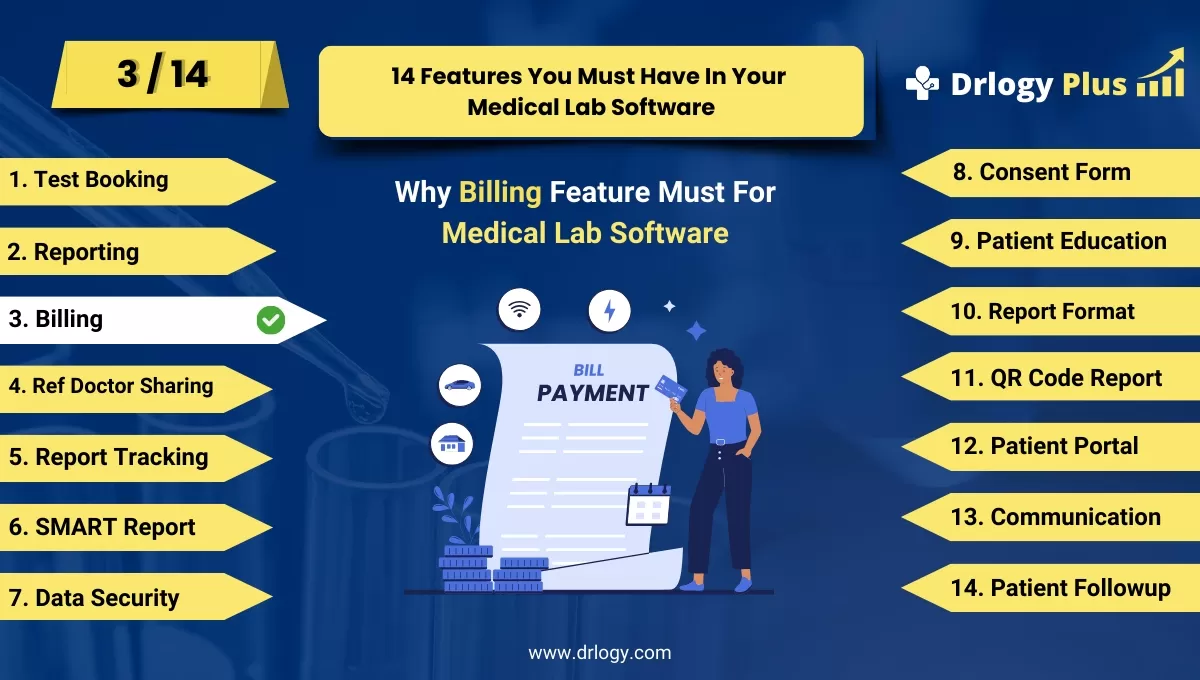
Why Billing Feature Must For Medical Lab Software
Billing features in medical lab software are crucial for efficient financial management and streamlined operations.
Check
These features simplify the payment process, ensure accuracy, and enhance transparency for both labs and patients, improving overall satisfaction.
10 Best Billing Features For Medical Lab Software
Here are 10 Best Billing features For Medical Lab Software.
1. Automated Invoice Generation
- Automatically generates invoices based on completed tests and services.
- Reduces manual errors in billing, ensuring accurate charges for each test.
- Customizable invoice templates for branding and detailed descriptions.
- Enables quick generation and distribution of invoices via email or patient portals.
- Saves time for staff, allowing them to focus on core lab operations.
2. Integrated Payment Processing
- Allows patients to pay for services online using various payment methods (credit/debit cards, net banking, wallets).
- Ensures secure, encrypted transactions to protect patient financial data.
- Supports multiple currencies for labs with international clients.
- Sends automated payment confirmations via email or SMS for transparency.
- Streamlines the payment process, reducing delays and manual effort.
3. Insurance Billing Integration
- Automates the submission of insurance claimsectly through the software.
- Reduces errors in insurance coding and ensures compliance with insurer requirements.
- Tracks claims status, providing updates on approvals or denials.
- Generates detailed reports for rejected claims to streamline re-submission.
- Enhances cash flow by expediting the reimbursement process from insurance providers.
4. Detailed Billing Reports
- Generates comprehensive billing reports for financial tracking and analysis.
- Breaks down revenue by test, service, or department for better financial oversight.
- Helpsentify trends in test demand and revenue generation.
- Provides insights into unpaid bills and overdue accounts for improved collections.
- Enables lab managers to make informed financial decisions based on real-time data.
5. Patient Billing History
- Stores all previous invoices and payments in a centralized database.
- Allows easy retrieval of past billing information for patient reference or audits.
- Enhances transparency by providing patients with access to their full payment history.
- Supports refunds or adjustments if needed, with clear documentation.
- Simplifies disputes by offering detailed transaction records at a glance.
6. Discounts and Promotional Offers
- Allows labs to offer discounts or promotional pricing on tests and packages.
- Customizes discounts for specific patient groups, such as seniors or repeat customers.
- Automatically applies discounts during the billing process to avoid manual adjustments.
- Tracks the effectiveness of promotions through revenue reporting.
- Enhances patient satisfaction by offering competitive pricing options.
7. Multi-Location Billing Support
- Supports centralized billing for labs operating across multiple locations.
- Enables standardized billing processes across all branches for consistency.
- Tracks revenue and expenses separately for each location for better financial management.
- Facilitates cross-location reporting to assess overall lab performance.
- Simplifies financial reconciliation by consolidating all billing activities in one system.
8. Tax Calculation and Compliance
- Automatically calculates taxes based on regional regulations and test types.
- Ensures compliance with local and national tax laws, reducing legal risks.
- Provides detailed tax reports for auditing purposes and easy filing.
- Customizes tax rates based on lab location or patient category (e.g., healthcare exemptions).
- Simplifies the financial closing process by accurately reporting taxes collected.
9. Real-Time Payment Tracking
- Tracks payment status in real-time, allowing staff to see unpaid or pending invoices.
- Sends automated reminders to patients for overdue payments.
- Improves cash flow by ensuring timely collections with minimal manual intervention.
- Provides a clear overview of all financial transactions within the lab.
- Enhances accountability by tracking payments from multiple payment sources.
10. Customizable Billing Rules
- Allows labs to set custom billing rules for different services or patient categories.
- Supports tiered pricing based on test complexity or urgency (e.g., stat tests).
- Automatically adjusts billing rates based on patient insurance coverage or discounts.
- Provides flexibility to labs for creating unique billing structures.
- Ensures accurate and fair pricing for all patients and services.
14 Steps Guide For Medical Lab Software
Here are 14 Steps Guide For Medical Lab Software.
| 1. Billing | 8. Consent Form |
| 2. Reporting | 9. Patient Education |
| 3. Billing | 10. Report Format |
| 4. Ref Doctor Sharing | 11. QR Code Report |
| 5. Report Tracking | 12. Patient Portal |
| 6. SMART Report | 13. Billing |
| 7. Data Security | 14. Patient Followup |
Summary
Overall, Incorporating these billing features into medical lab software enhances accuracy, streamlines payment processes, and improves financial management, benefiting both patients and lab administrators.
Also, Check our complete 14 steps Drlogy Medical Lab Software Buying Guide guide to make an informed decision and streamline your diagnostic Lab growth and Lab management and growth.




