Drlogy
Healthcare organization
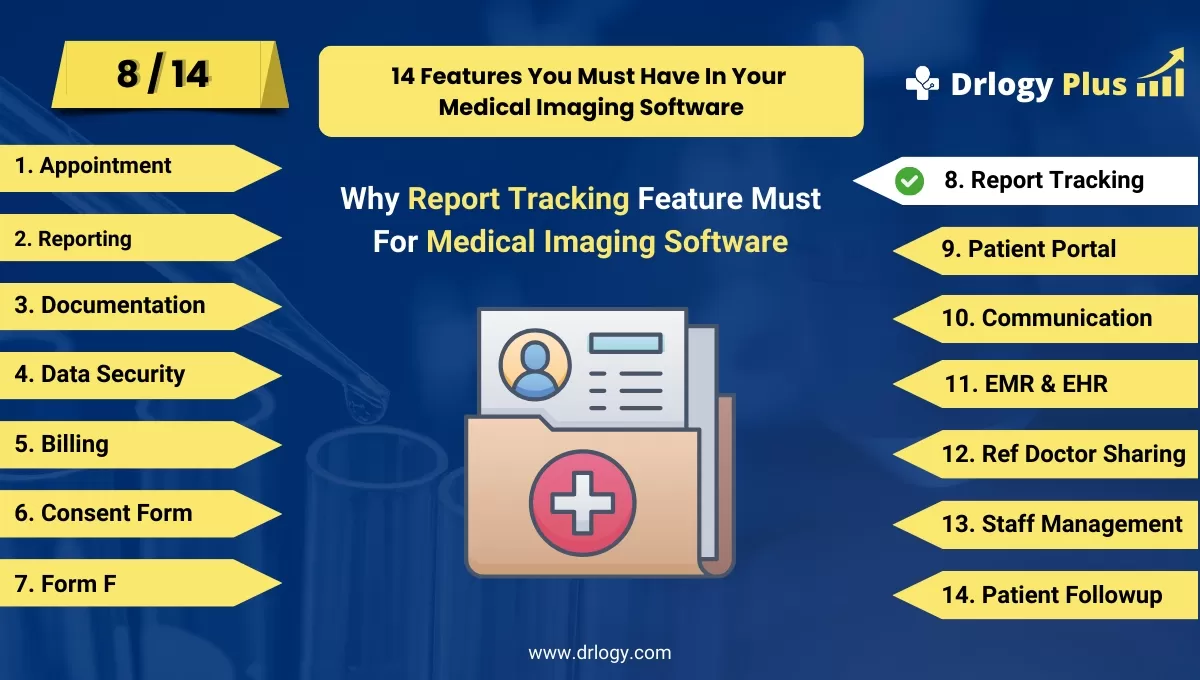
Why Report Tracking Feature Must In Medical Imaging Software
Effective report tracking features in medical imaging software are essential for ensuring timely and accurate delivery of diagnostic results.
Check:
These features enhance workflow efficiency, improve communication between healthcare providers, and ensure transparency throughout the reporting process.
10 Best Report Tracking Features For Medical Imaging Software
Check 10 Best Report Tracking Features for Medical Imaging Software.
1. Real-Time Report Status Updates
- Provides real-time updates on the status of imaging reports, from creation to completion.
- Allows healthcare providers to track report progress at any time, ensuring transparency.
- Reduces delays by notifying staff when reports are completed or pending.
- Enhances workflow by keeping everyone informed about the report’s status.
- Improves communication between radiologists and referring doctors.
2. Automated Report Generation Alerts
- Sends automated alerts to radiologists and healthcare staff when a new report needs to be generated.
- Reduces the risk of missed or delayed reports by automating reminders.
- Keeps the workflow on track by notifying the appropriate team members as soon as imaging results are available.
- Ensures that time-sensitive reports are handled promptly.
- Streamlines communication between the imaging department and other healthcare teams.
3. Customizable Report Dashboards
- Offers a centralized dashboard where users can track all ongoing, pending, and completed reports.
- Provides filters to view reports by patient, modality, or urgency level.
- Enhances productivity by giving healthcare providers a clear overview of their report workload.
- Reduces time spent searching for reports by organizing them in a user-friendly interface.
- Improves efficiency by prioritizing urgent or time-sensitive reports.
4. Report Completion Timers
- Tracks the time taken to complete each imaging report, from the request to the final version.
- Allows administrators to monitor turnaround times andentify bottlenecks in the reporting process.
- Improves accountability by providing insights into reporting efficiency.
- Helps optimize workflow by reducing delays in the report generation process.
- Ensures that imaging reports are completed within expected timeframes.
5. Integration with EHR for Report Access
- Automatically links imaging reports to patients' electronic health records (EHR) for easy access.
- Reduces manual data entry by automatically syncing reports with the patient’s medical history.
- Ensures that referring physicians have immediate access to the latest imaging reports.
- Enhances continuity of care by ensuring that all relevant healthcare providers can access reports.
- Streamlines report management by integrating with the existing EHR system.
6. Patient Report Tracking
- Provides a secure portal for patients to track the status of their imaging reports.
- Improves patient engagement by offering real-time access to report updates and completion.
- Reduces the need for patients to call or visit the clinic for report status updates.
- Enhances patient satisfaction by offering transparency and convenience.
- Empowers patients to stay informed about their diagnostic process.
7. Audit Trails for Report Access
- Tracks who has accessed, edited, or reviewed each imaging report.
- Ensures accountability by maintaining a detailed audit trail of all interactions with the report.
- Enhances security and compliance by tracking report access according to healthcare regulations.
- Reduces the risk of unauthorized access or alterations to reports.
- Provides a clear history of report handling for legal or administrative purposes.
8. Report Revision Tracking
- Tracks and records any changes or revisions made to the imaging report after its initial creation.
- Ensures that all modifications are documented, enhancing report accuracy.
- Allows healthcare providers to see a clear history of edits and revisions for each report.
- Improves accountability by showing who made specific changes and why.
- Ensures compliance with healthcare standards for accurate documentation.
9. Mobile Access for Report Tracking
- Enables healthcare providers to track and access imaging reports from mobile devices.
- Improves convenience by allowing doctors to review report status on the go.
- Reduces delays in report review and approval by offering mobile accessibility.
- Enhances workflow flexibility for providers who work in multiple locations.
- Increases report turnaround speed by allowing real-time access to reports from anywhere.
10. Custom Report Tracking Notifications
- Allows users to set up custom notifications based on report milestones, such as completion or approval.
- Notifies healthcare providers when reports require their review or when new reports are available.
- Improves workflow by reducing the need for manual follow-ups or checks.
- Enhances efficiency by ensuring timely report reviews and approvals.
- Provides flexibility by allowing users to customize notification preferences for different types of reports.
Drlogy Medical Imaging Software Features Guide
Here's a full guide for the 14 best Medical Imaging Software features.
| 1. Billing | 8. Report Tracking |
| 2. Reporting | 9. Patient Portal |
| 3. Documentation | 10. Communication |
| 4. Data Security | 11. EMR & EHR |
| 5. Billing | 12. Ref Doctor |
| 6. Consent Form | 13. Staff |
| 7. Form F | 14. Patient Followup |
Summary
Overall, These report tracking features in medical imaging software improve workflow efficiency, enhance communication, and ensure timely delivery of imaging reports, benefiting both healthcare providers and patients
Check Drlogy Medical Imaging Software Features Guide provides a detailed overview of key features to optimize medical imaging centers operations and improve patient management efficiency.




